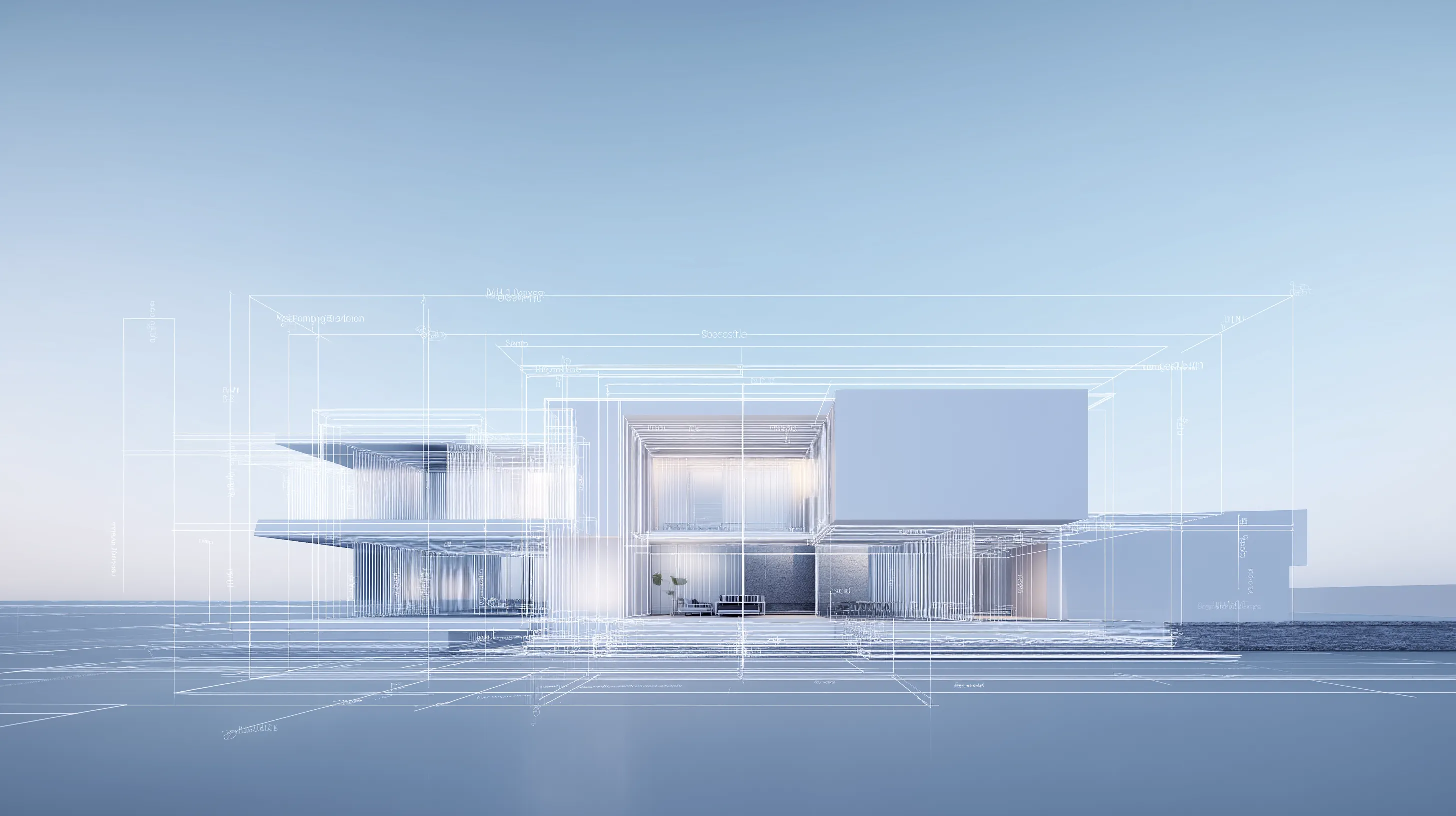
Free templates
Free presentation and proposal templates for architects.
Each one is a live Foveate presentation, not a PDF. Open it, see how it's built, and make your own.
The templates
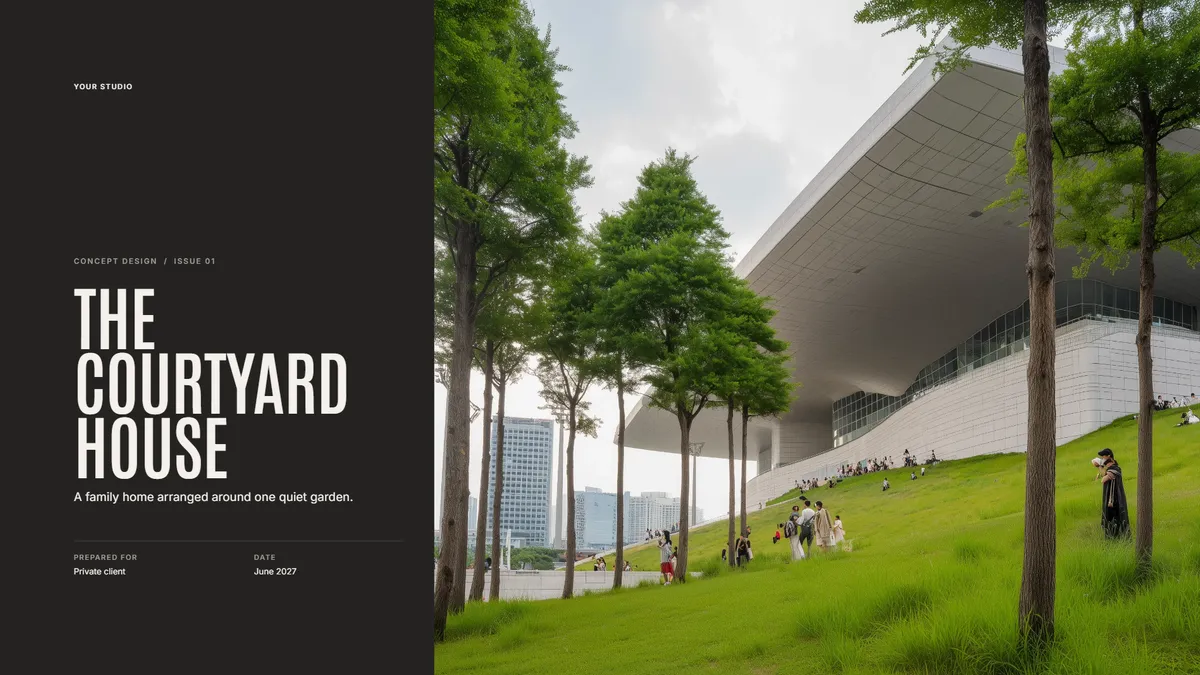
PresentationsFree
Concept Design Presentation
Walk a client through the site, the big idea, and the first massing.
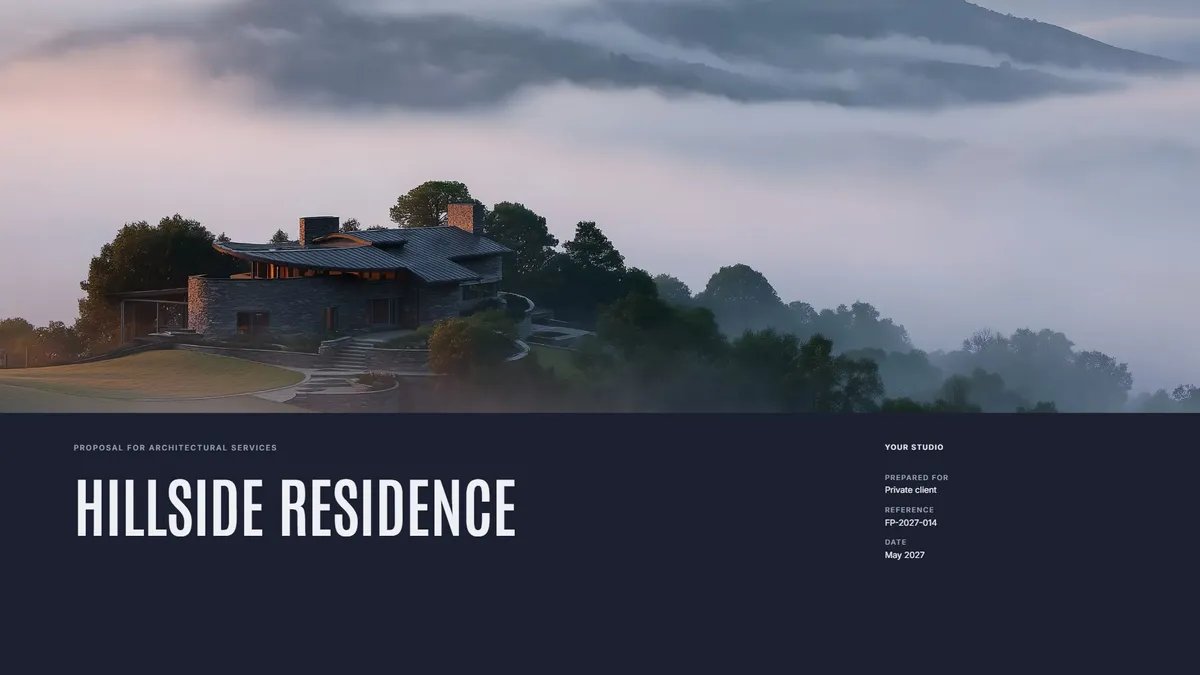
ProposalsFree
Fee Proposal
Scope, phases, and fees laid out clearly, with your work beside them.
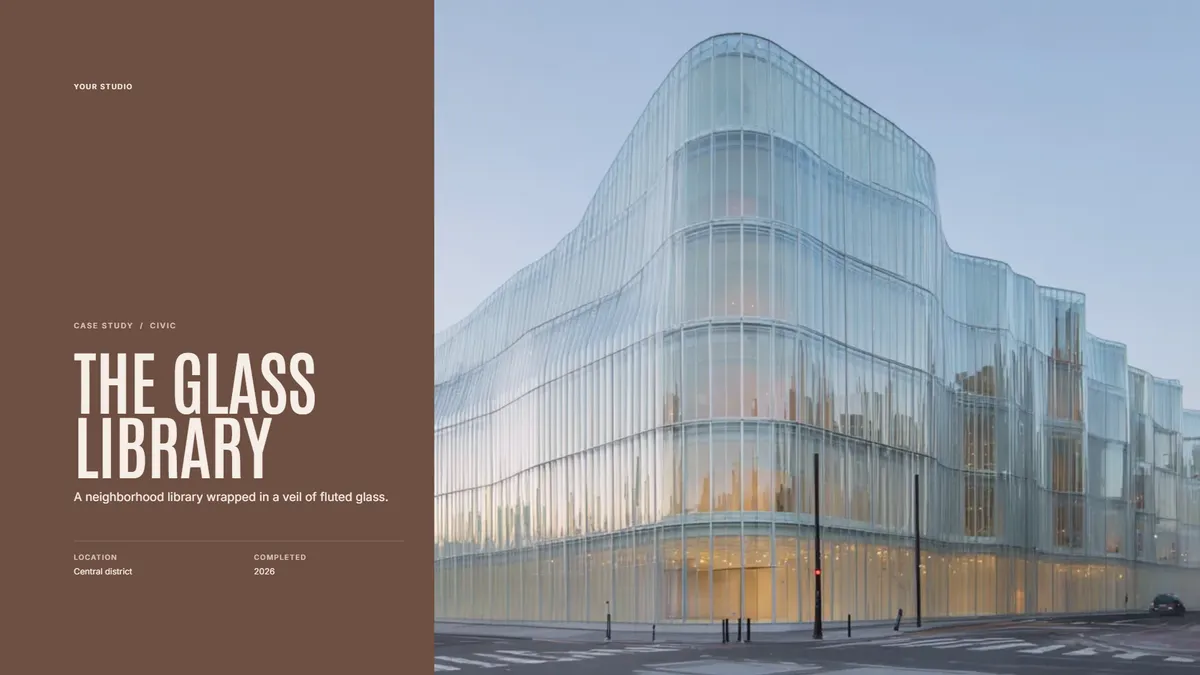
Case studiesFree
Project Case Study
One project told as a story: the brief, the process, and the result.
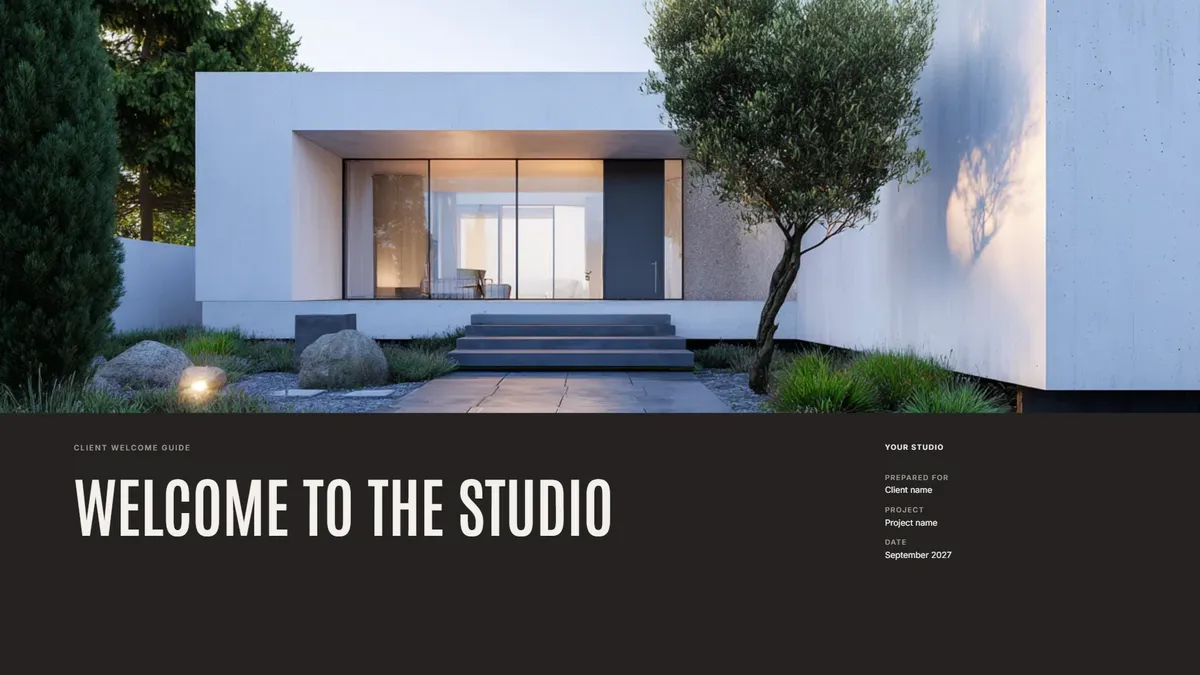
Client guidesFree
Client Welcome Guide
What working with you looks like, from the first meeting to move-in.
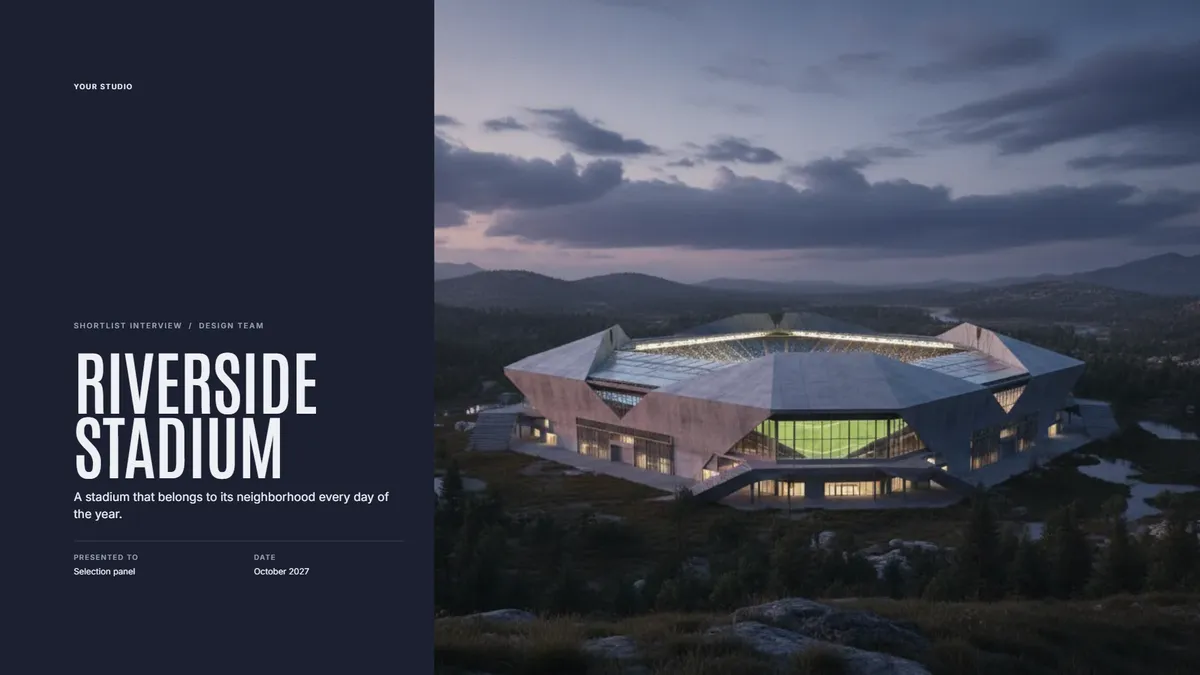
PresentationsFree
Shortlist Interview Deck
A tight story for the interview room: your team, your approach, and why you.
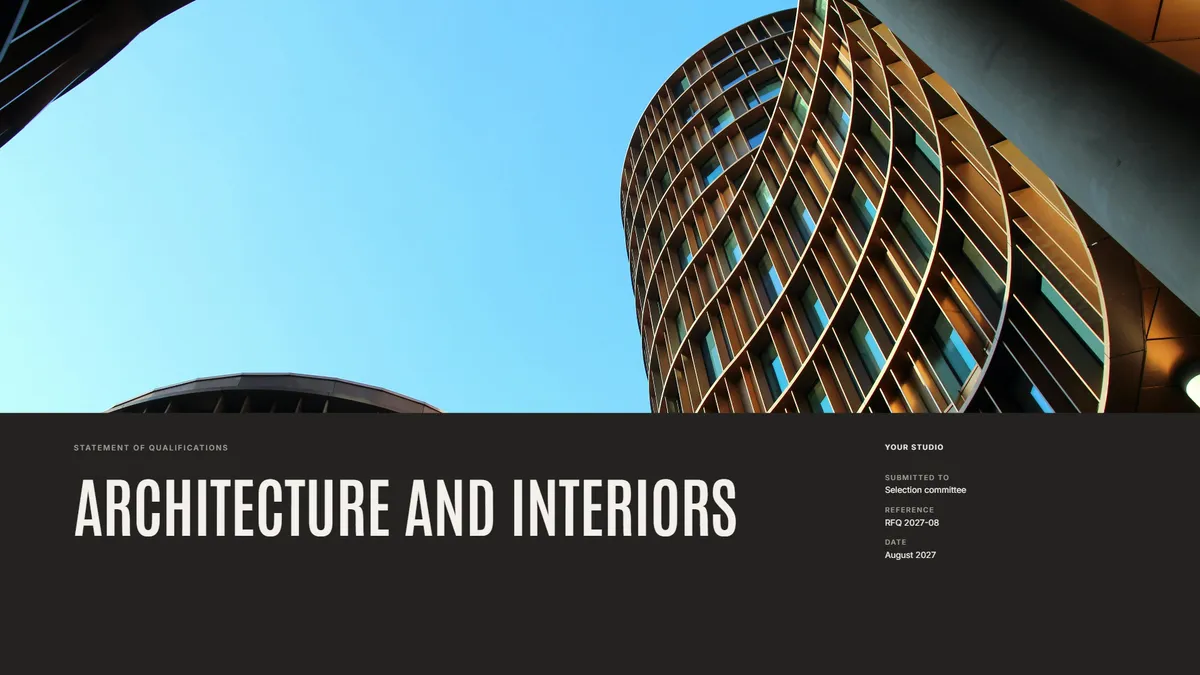
ProposalsFree
Statement of Qualifications
Firm profile, relevant projects, and key people for an RFQ.
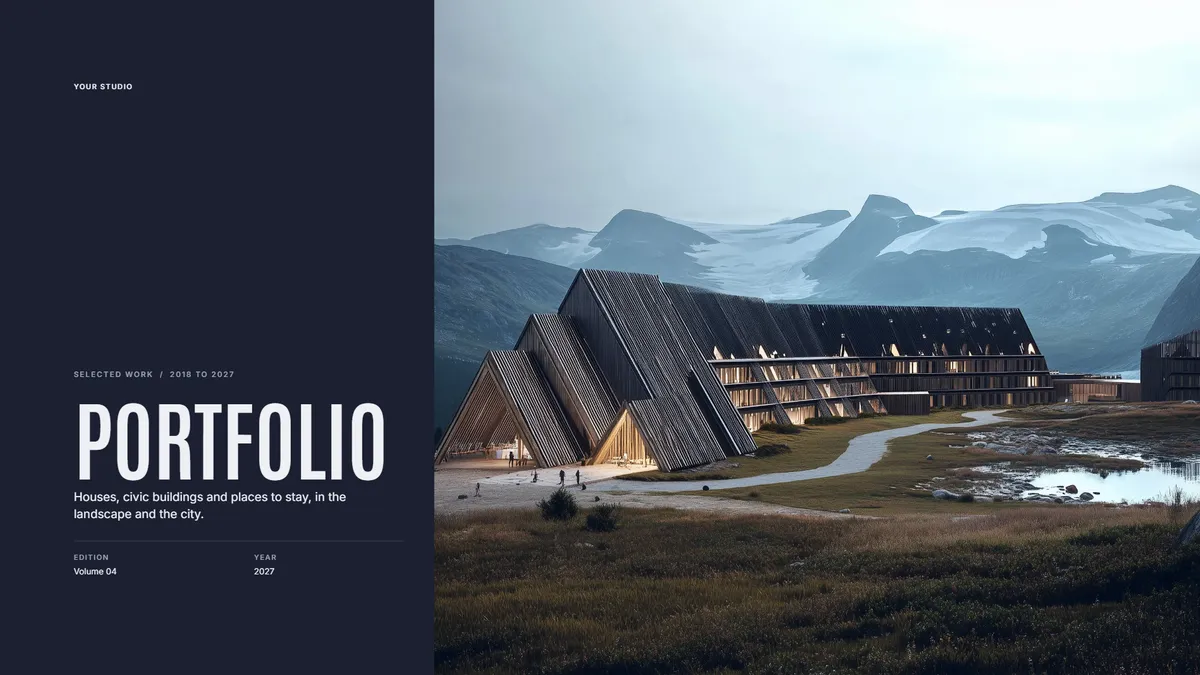
Case studiesFree
Portfolio
Your best work in one link you can send to anyone.
PresentationsFree
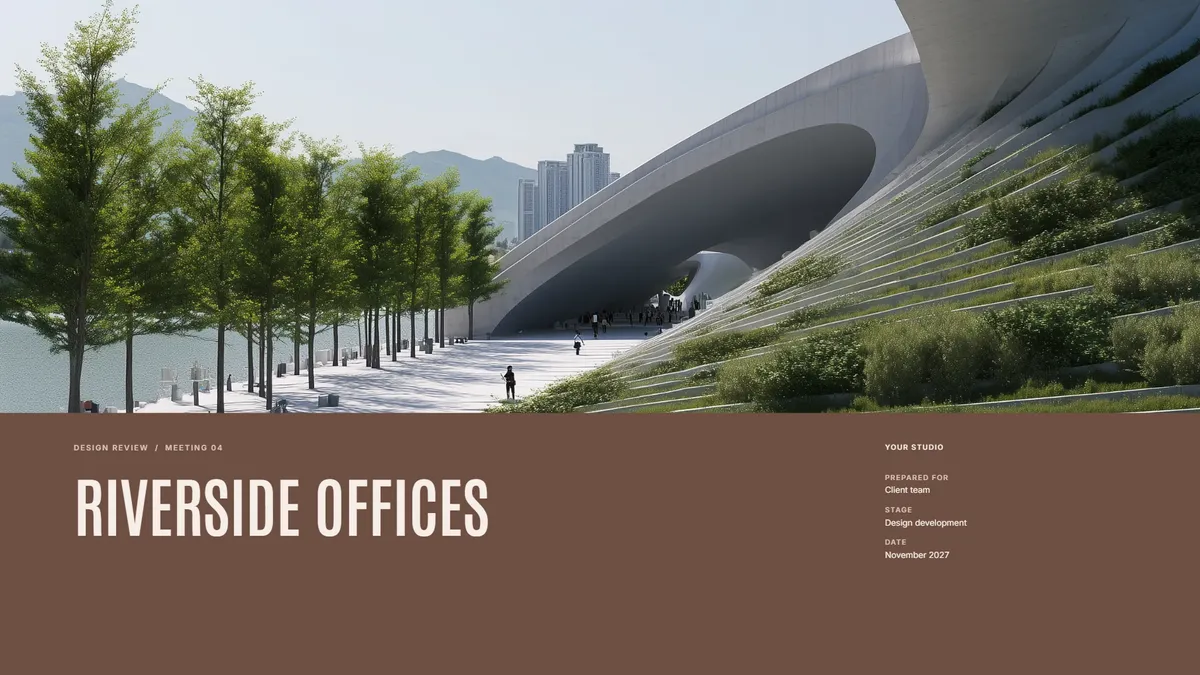
Design Review Update
Show progress at each phase, with room for the client to comment.
ProposalsFree
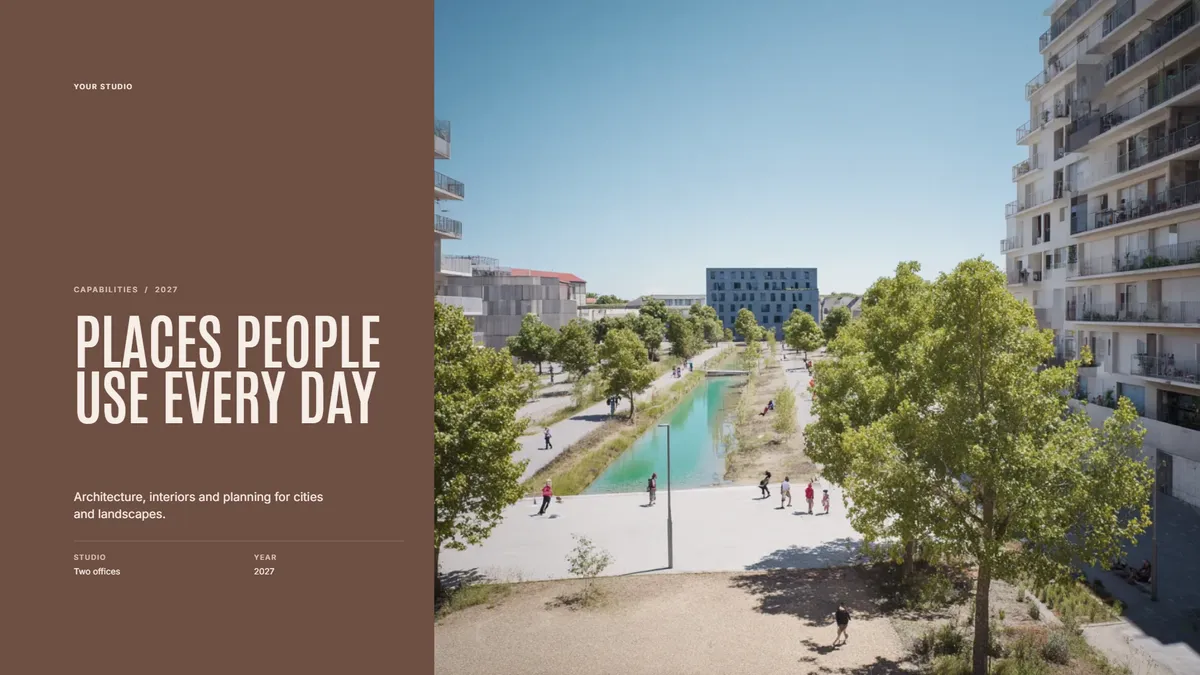
Firm Capabilities Deck
Who you are and what you do, for a first meeting with a new client.
PresentationsFree
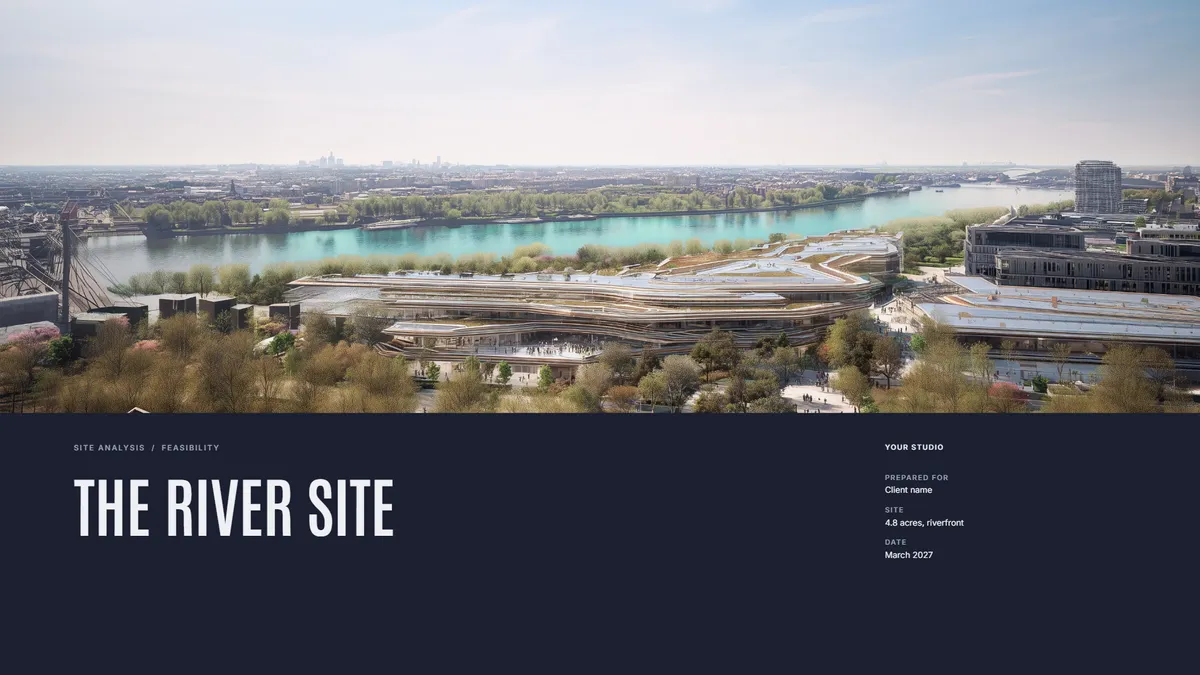
Site Analysis
Context, constraints, and opportunities on one site, before design starts.
Case studiesFree
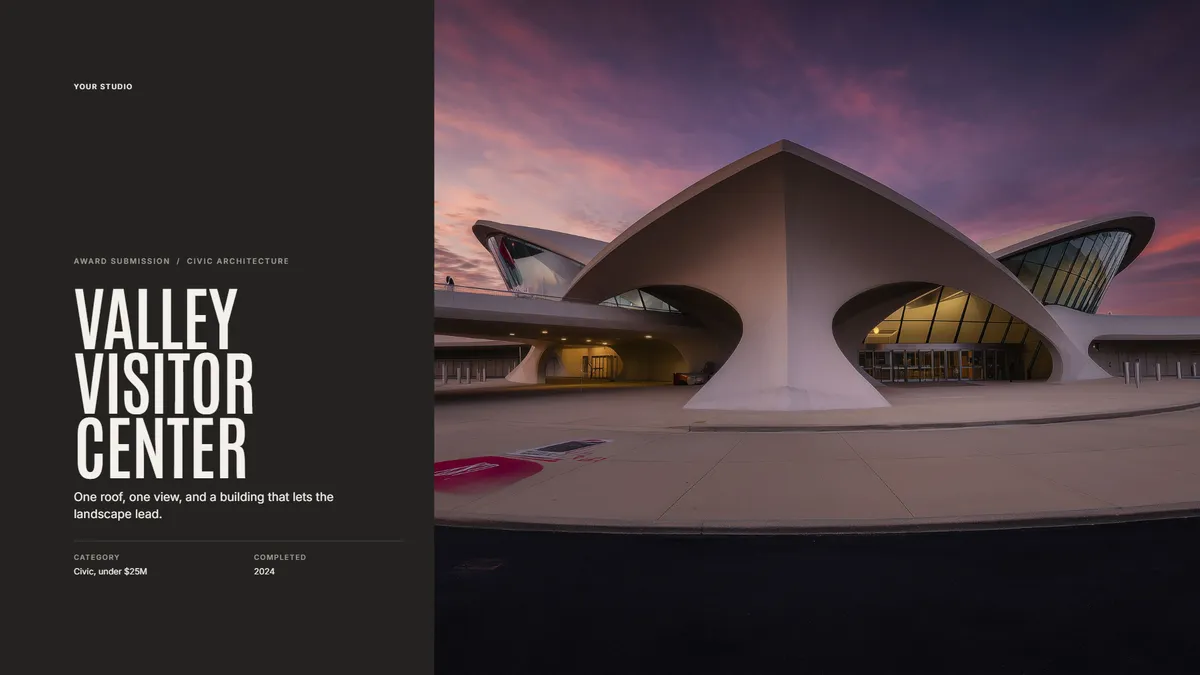
Award Submission
Package one finished project for an awards jury.
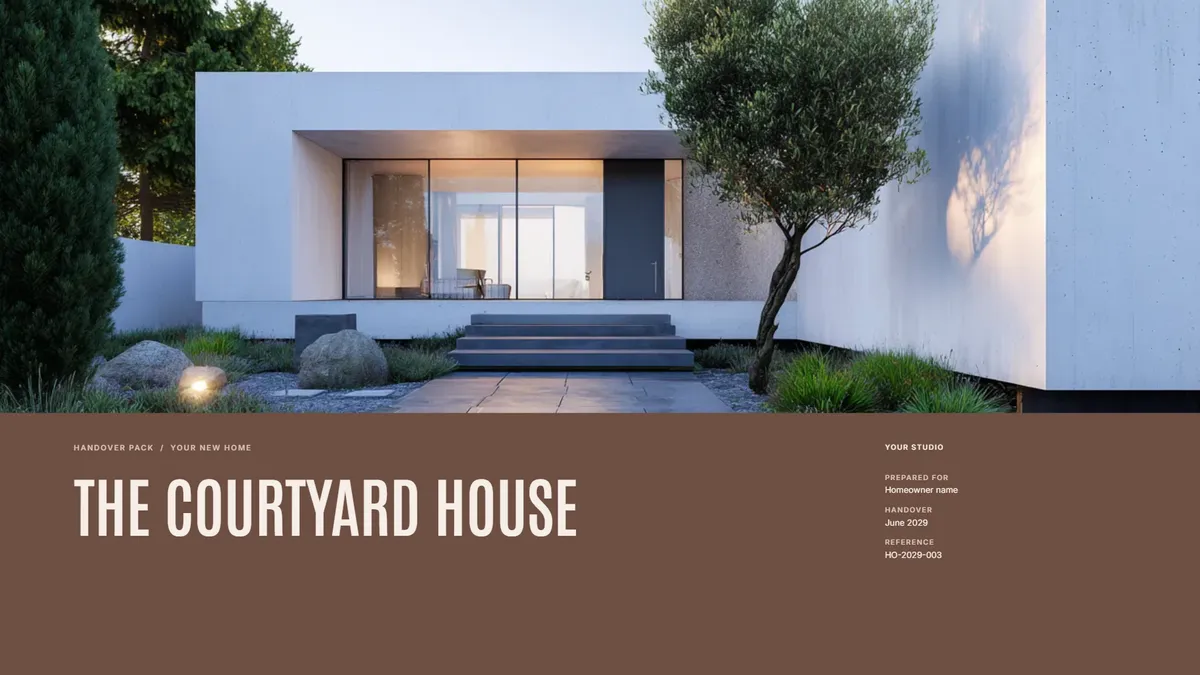
Client guidesFree
Project Handover
The drawings, contacts, and care notes a client keeps after the build.
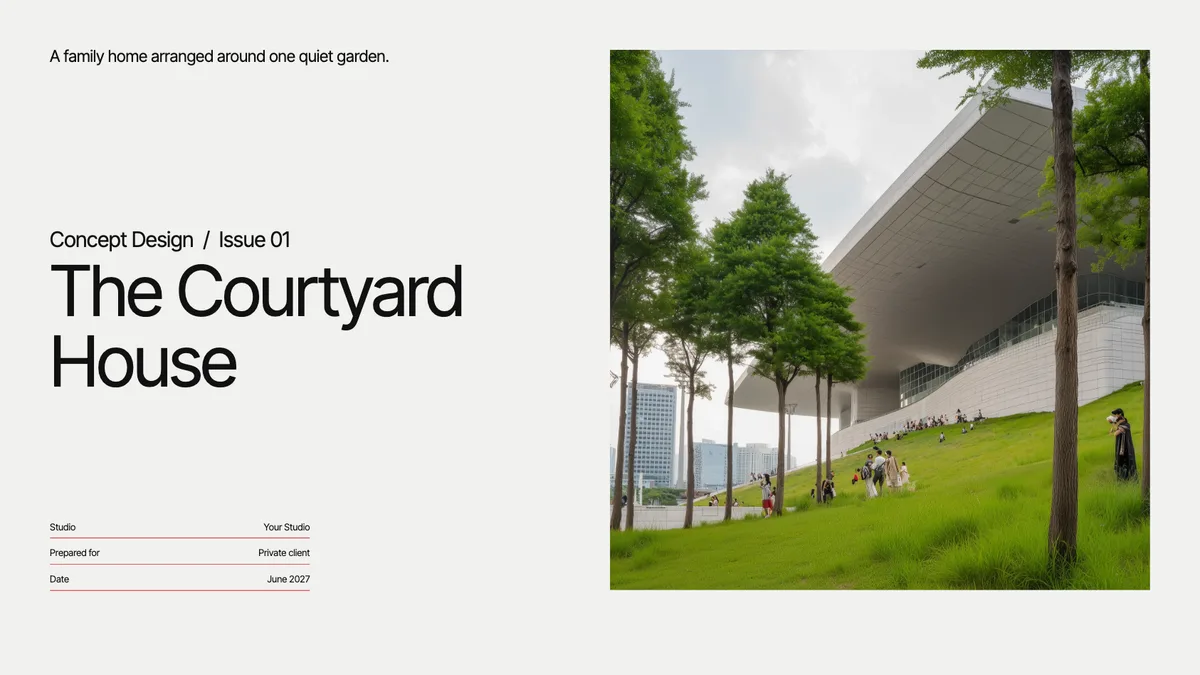
PresentationsFree
Concept Design Presentation (Split Grid)
Walk a client through the site, the big idea, and the first massing. Text and pictures side by side, on a Swiss grid.
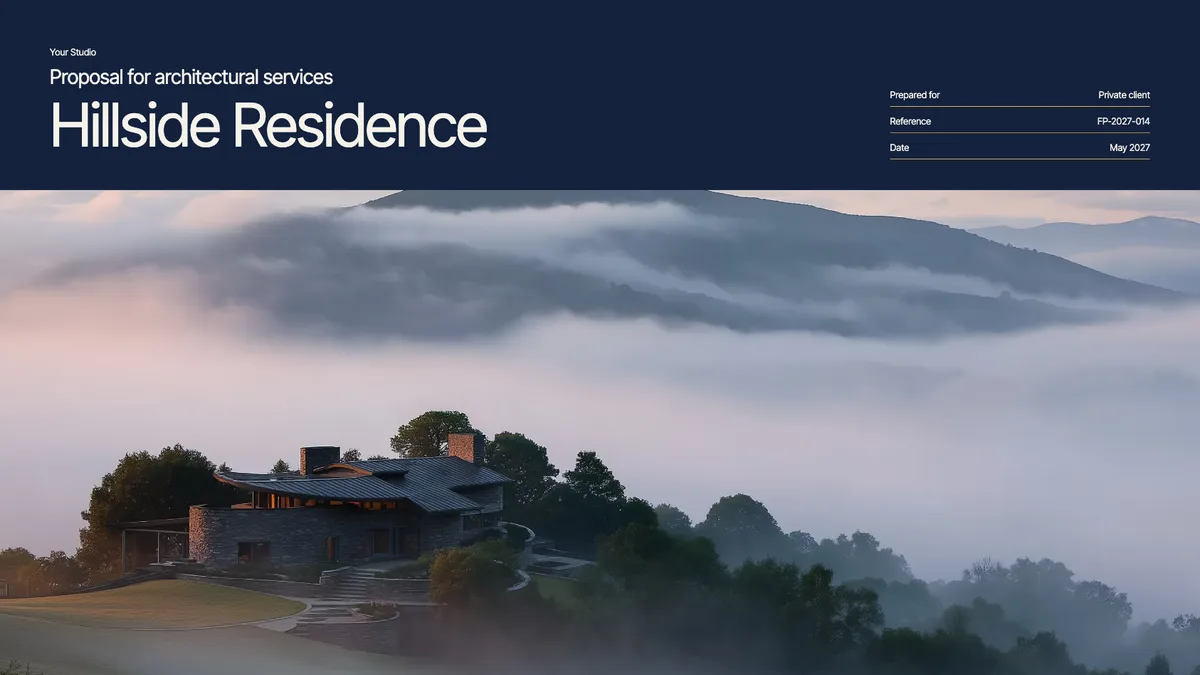
ProposalsFree
Fee Proposal (Split Grid)
Scope, phases, and fees laid out clearly, with your work beside them. Text and pictures side by side, on a Swiss grid.
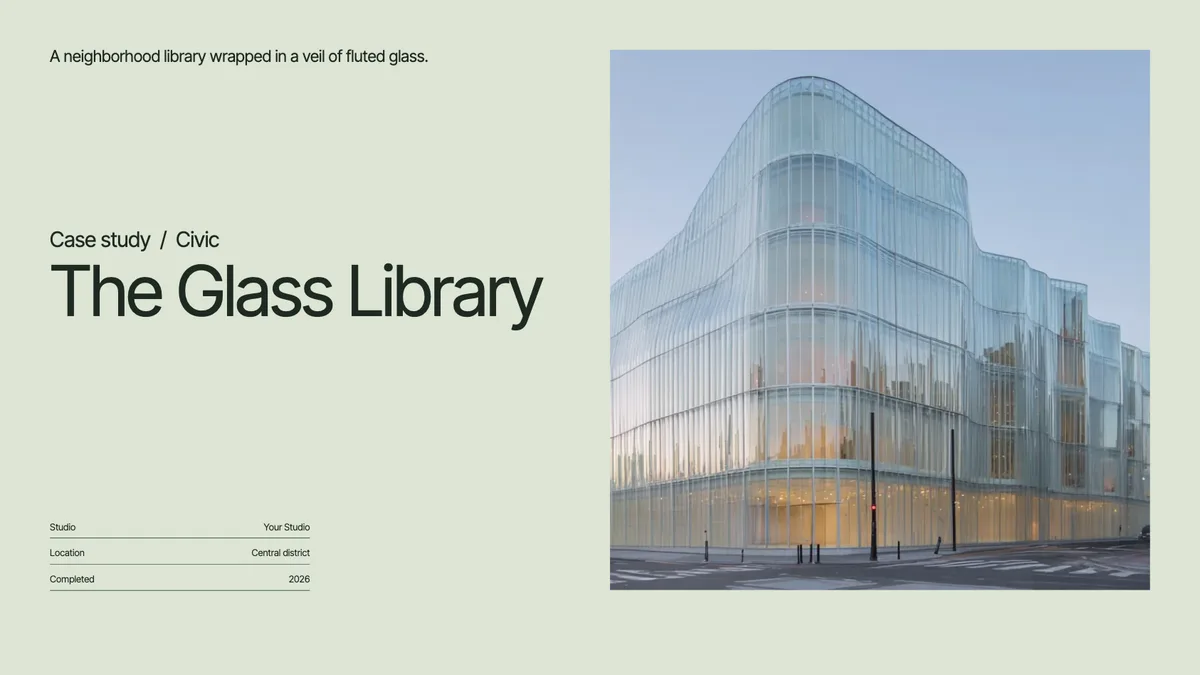
Case studiesFree
Project Case Study (Split Grid)
One project told as a story: the brief, the process, and the result. Text and pictures side by side, on a Swiss grid.
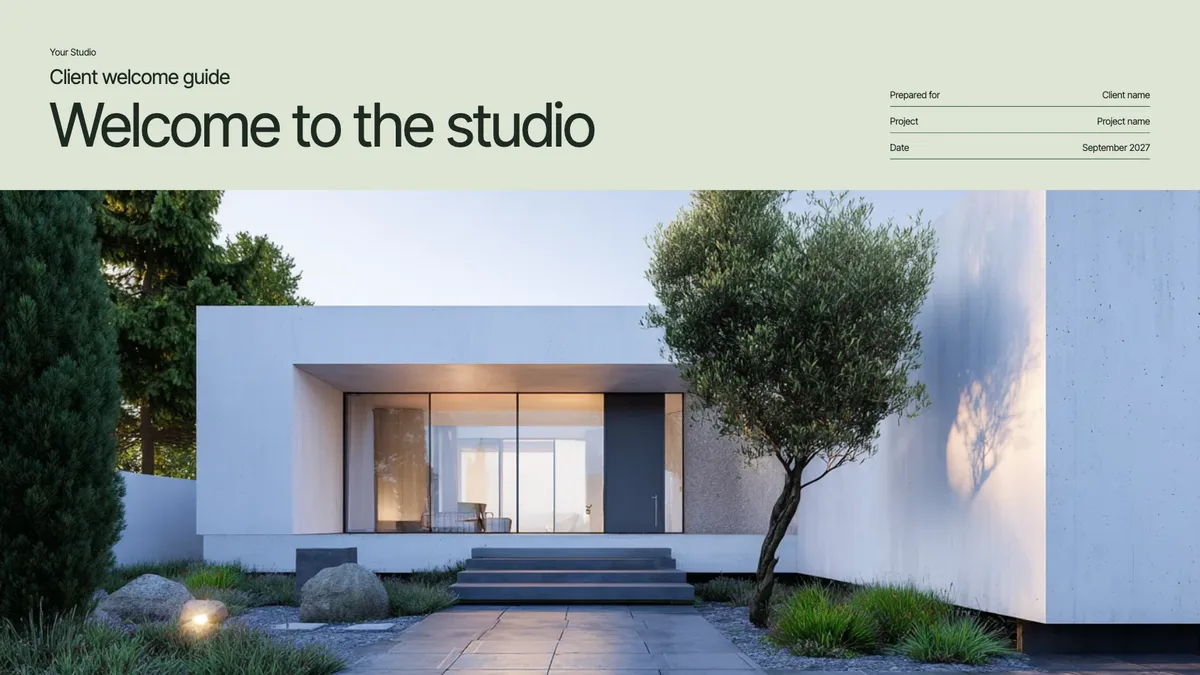
Client guidesFree
Client Welcome Guide (Split Grid)
What working with you looks like, from the first meeting to move-in. Text and pictures side by side, on a Swiss grid.
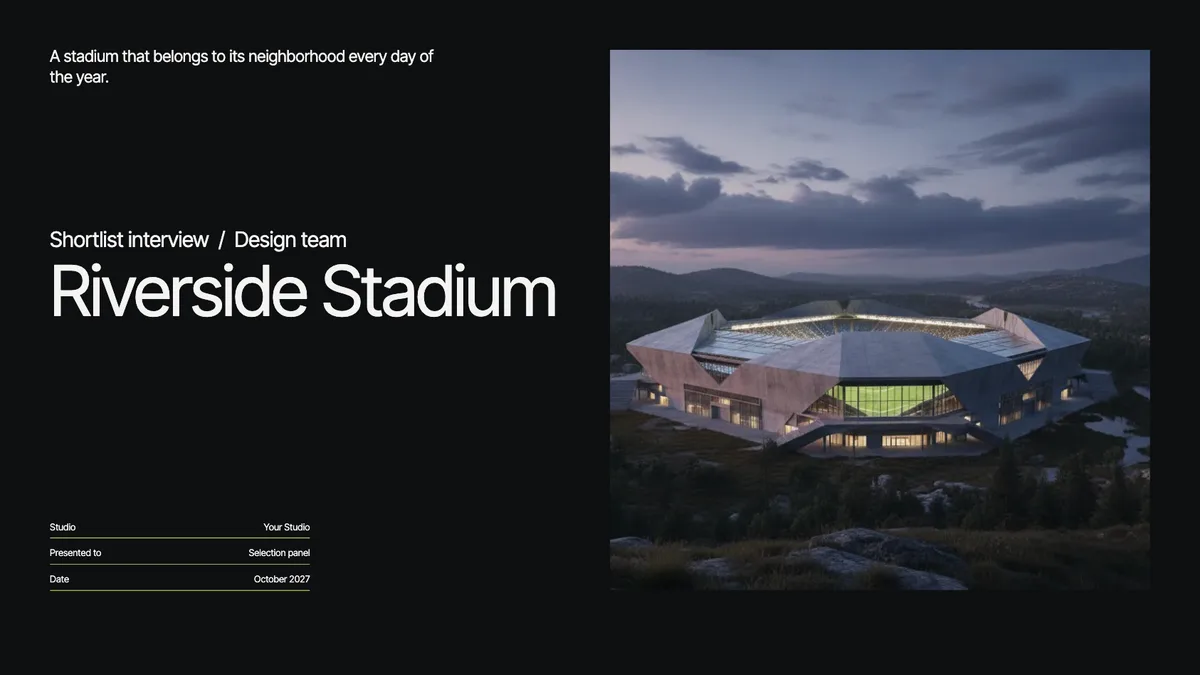
PresentationsFree
Shortlist Interview Deck (Split Grid)
A tight story for the interview room: your team, your approach, and why you. Text and pictures side by side, on a Swiss grid.
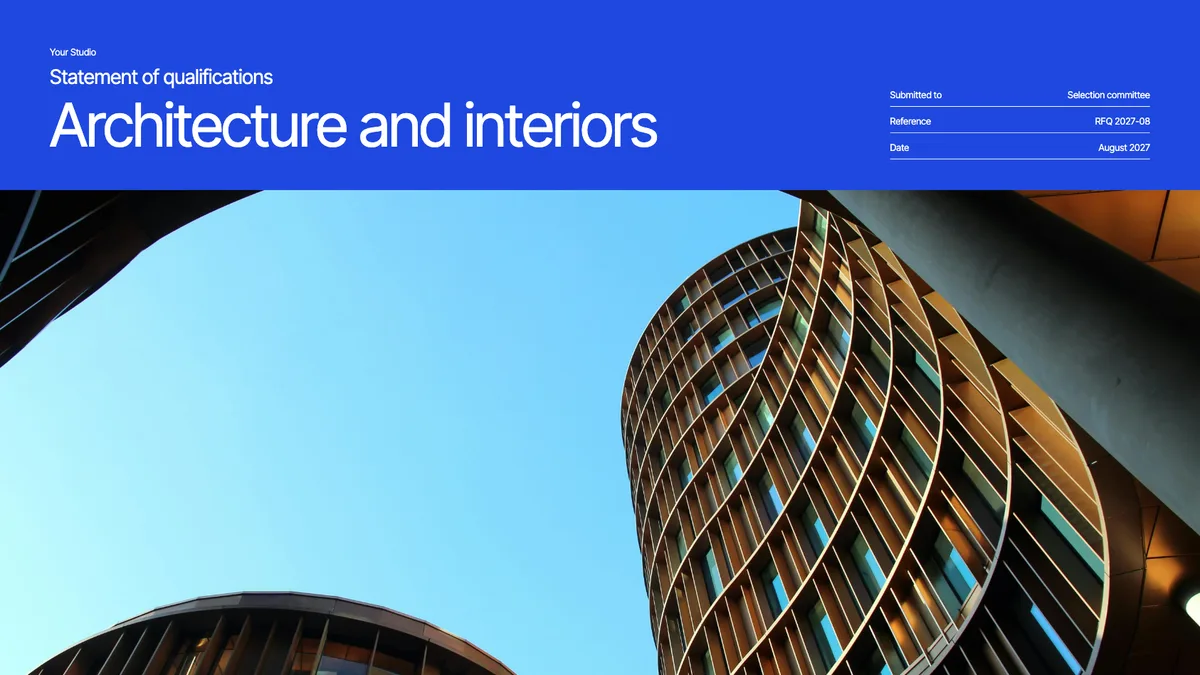
ProposalsFree
Statement of Qualifications (Split Grid)
Firm profile, relevant projects, and key people for an RFQ. Text and pictures side by side, on a Swiss grid.
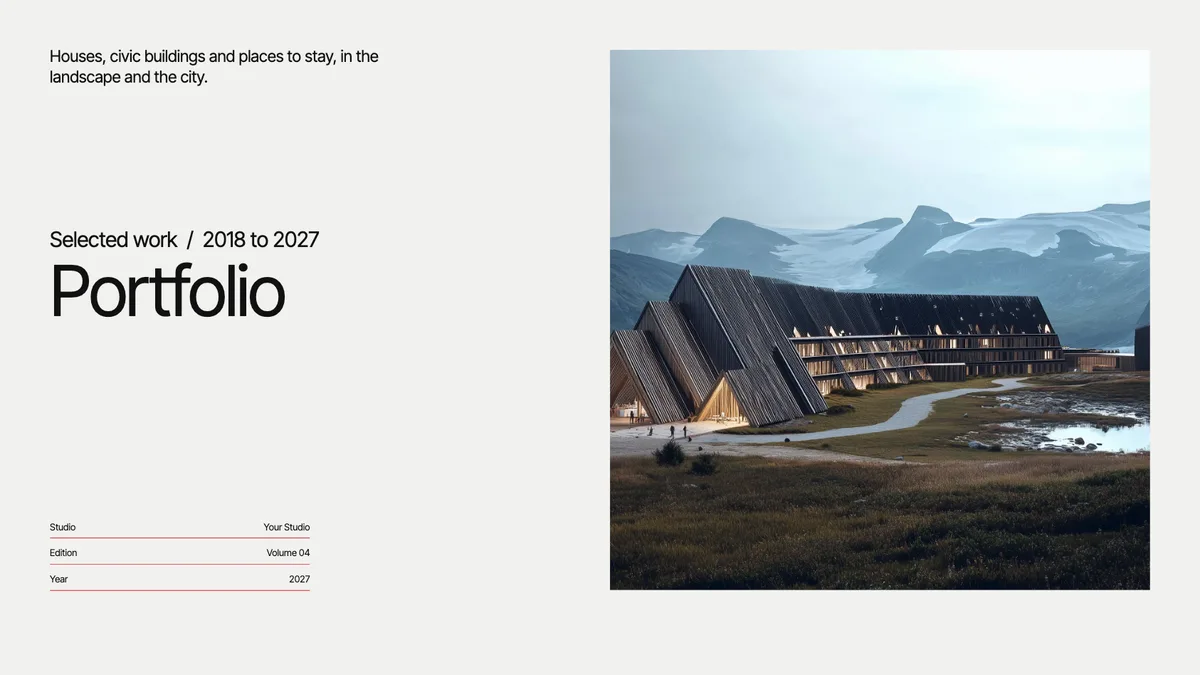
Case studiesFree
Portfolio (Split Grid)
Your best work in one link you can send to anyone. Text and pictures side by side, on a Swiss grid.
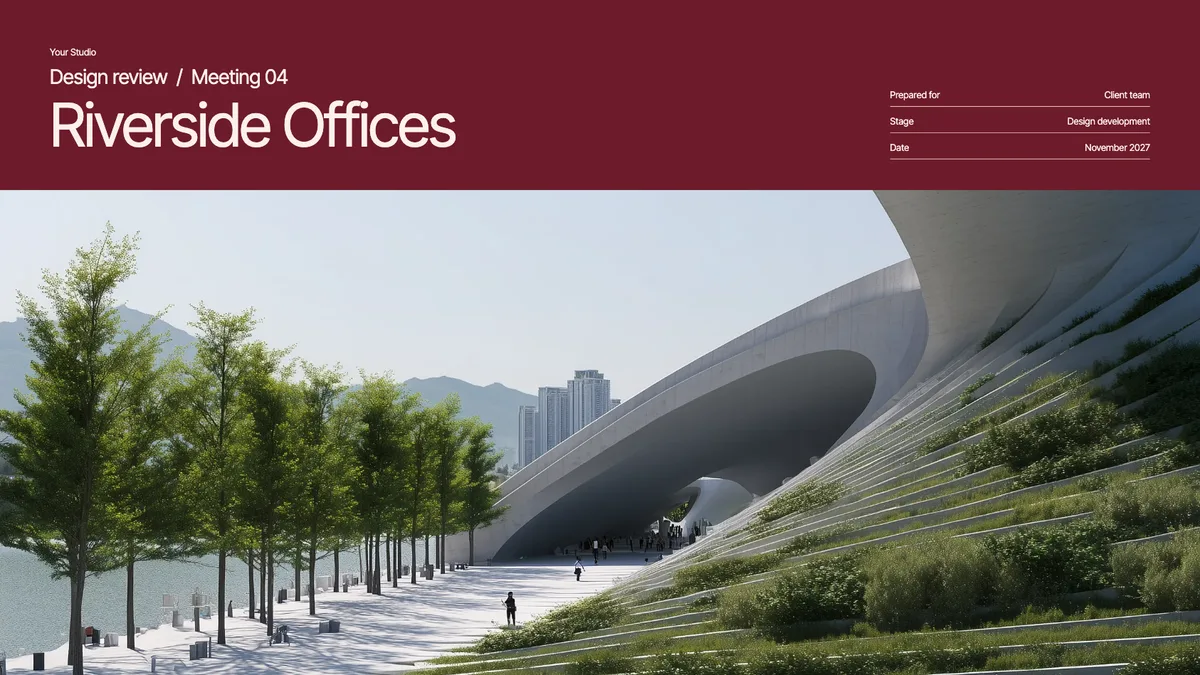
PresentationsFree
Design Review Update (Split Grid)
Show progress at each phase, with room for the client to comment. Text and pictures side by side, on a Swiss grid.
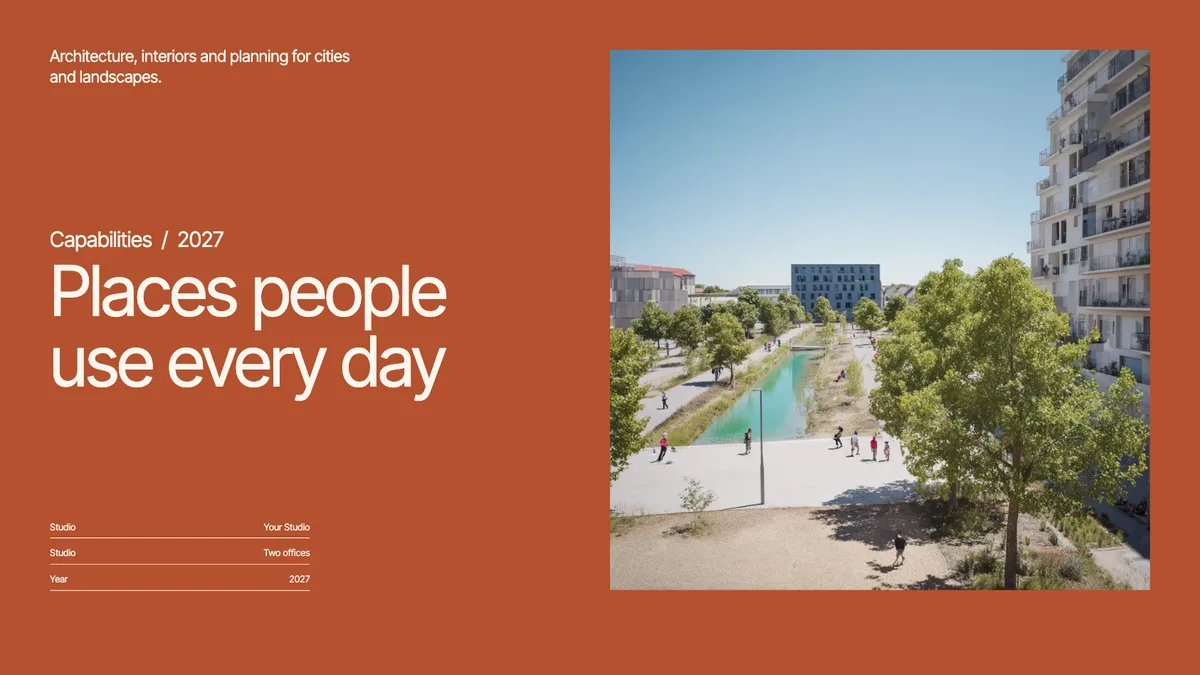
ProposalsFree
Firm Capabilities Deck (Split Grid)
Who you are and what you do, for a first meeting with a new client. Text and pictures side by side, on a Swiss grid.
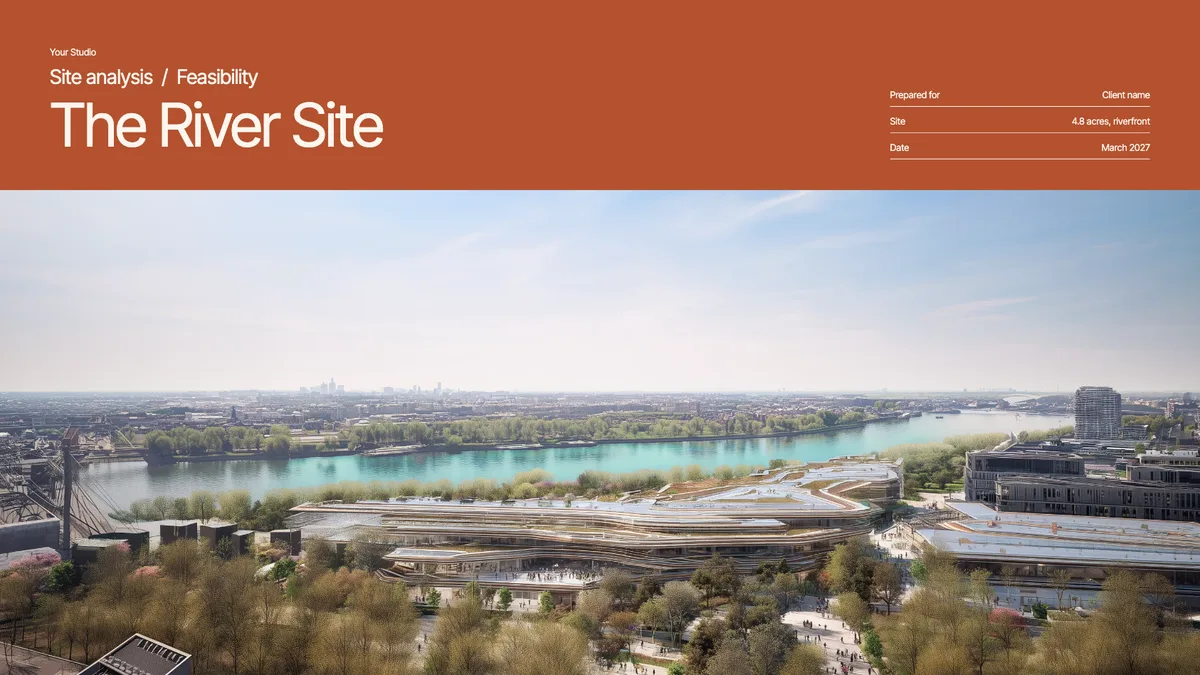
PresentationsFree
Site Analysis (Split Grid)
Context, constraints, and opportunities on one site, before design starts. Text and pictures side by side, on a Swiss grid.
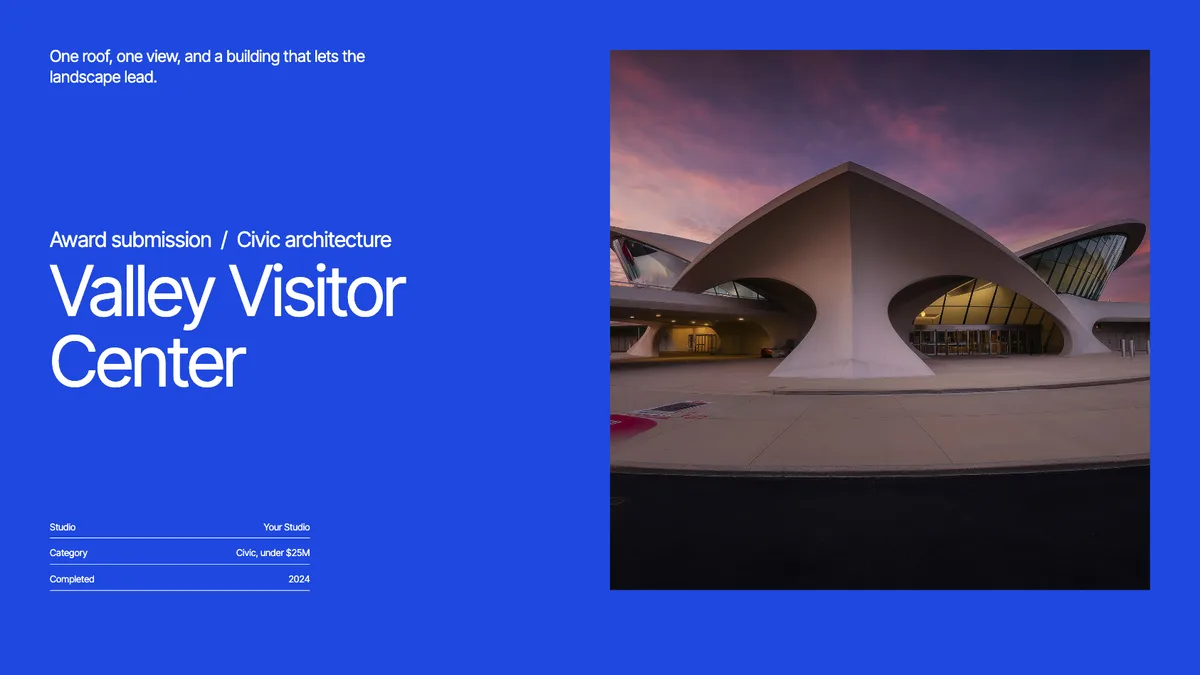
Case studiesFree
Award Submission (Split Grid)
Package one finished project for an awards jury. Text and pictures side by side, on a Swiss grid.
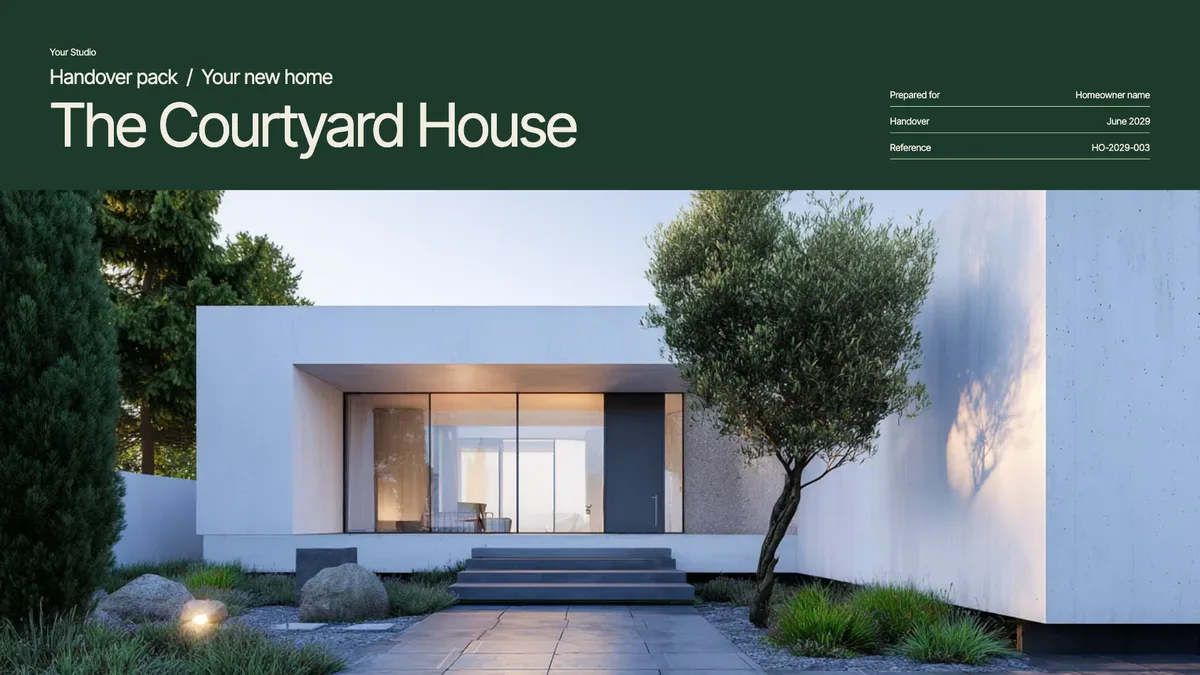
Client guidesFree
Project Handover (Split Grid)
The drawings, contacts, and care notes a client keeps after the build. Text and pictures side by side, on a Swiss grid.
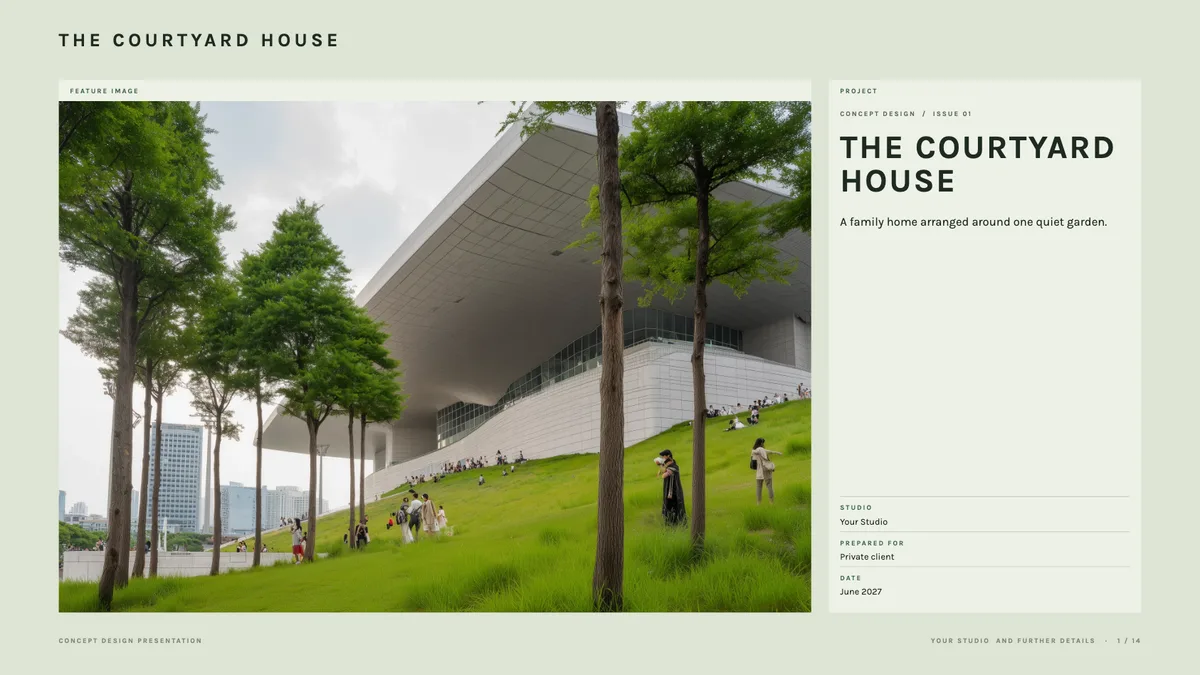
PresentationsFree
Concept Design Presentation (Board Grid)
Walk a client through the site, the big idea, and the first massing. Laid out like a presentation board, in labelled panels.
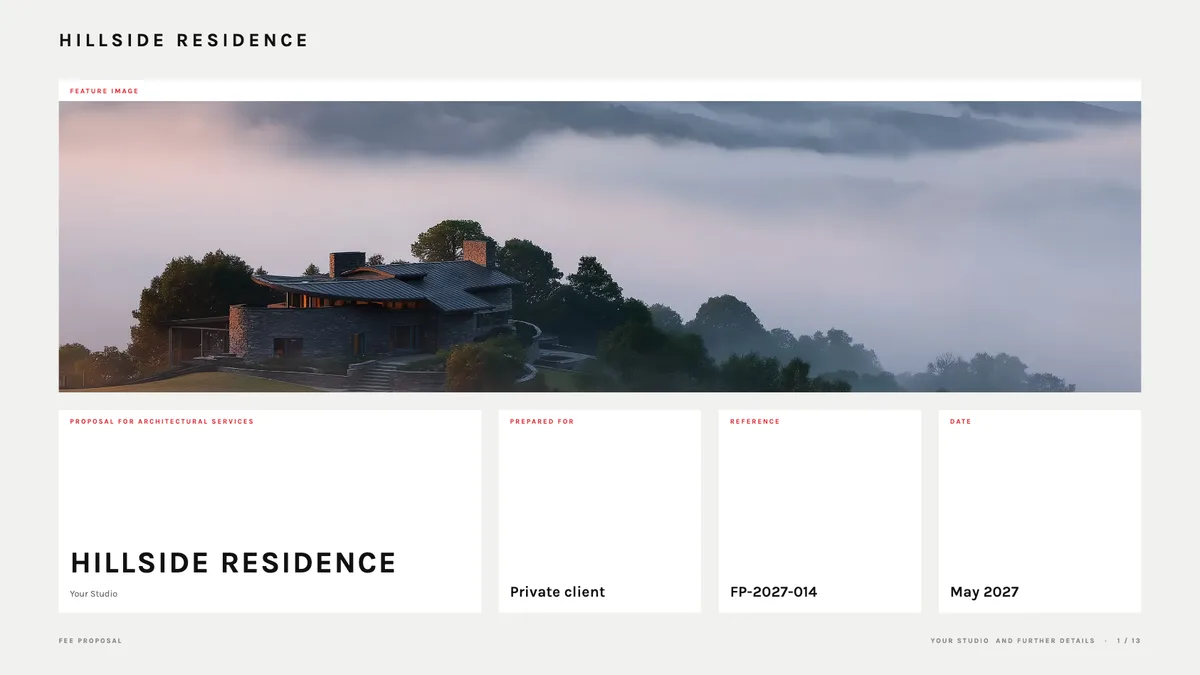
ProposalsFree
Fee Proposal (Board Grid)
Scope, phases, and fees laid out clearly, with your work beside them. Laid out like a presentation board, in labelled panels.
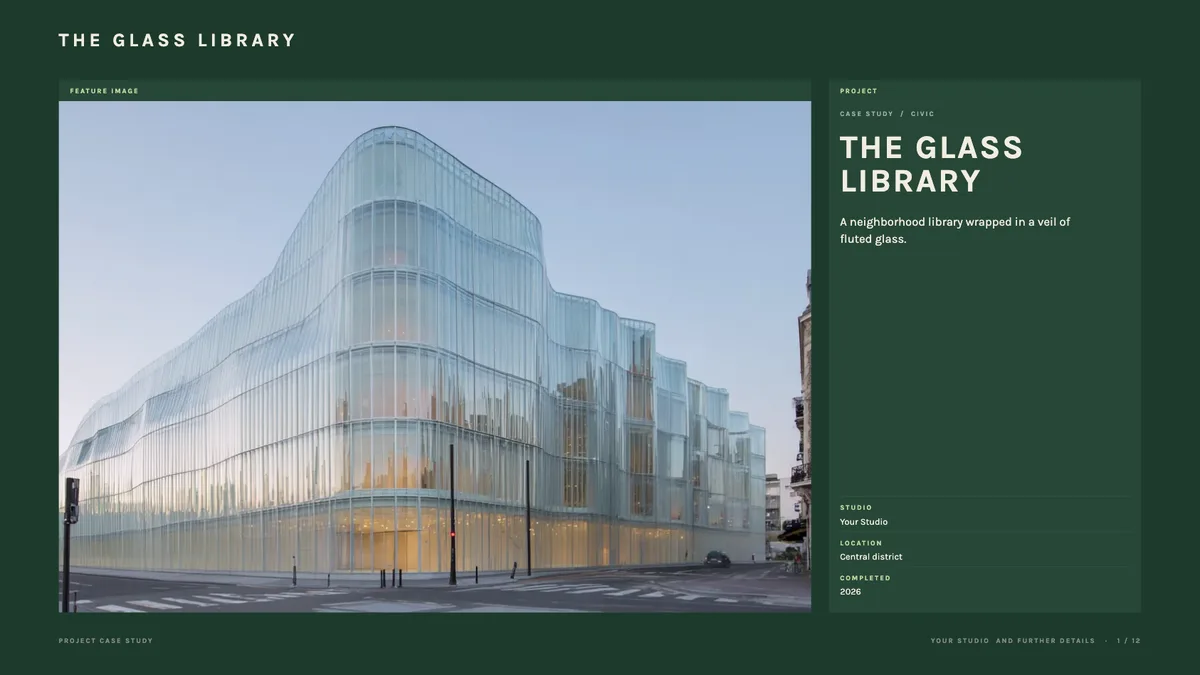
Case studiesFree
Project Case Study (Board Grid)
One project told as a story: the brief, the process, and the result. Laid out like a presentation board, in labelled panels.
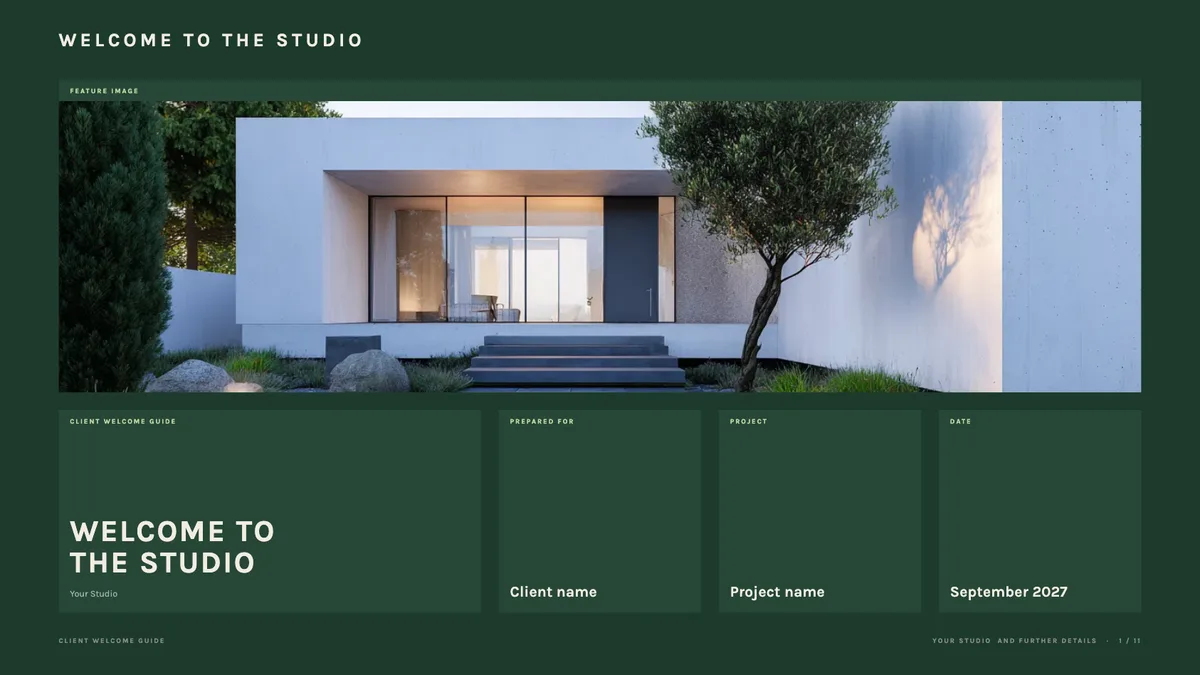
Client guidesFree
Client Welcome Guide (Board Grid)
What working with you looks like, from the first meeting to move-in. Laid out like a presentation board, in labelled panels.
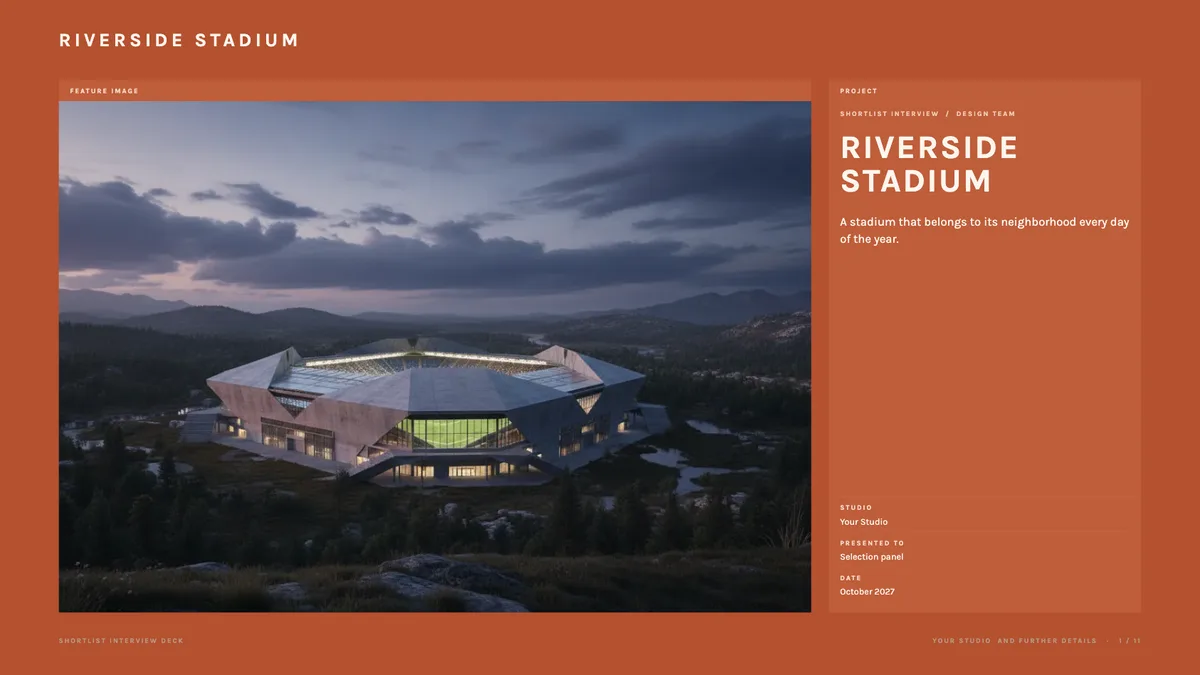
PresentationsFree
Shortlist Interview Deck (Board Grid)
A tight story for the interview room: your team, your approach, and why you. Laid out like a presentation board, in labelled panels.
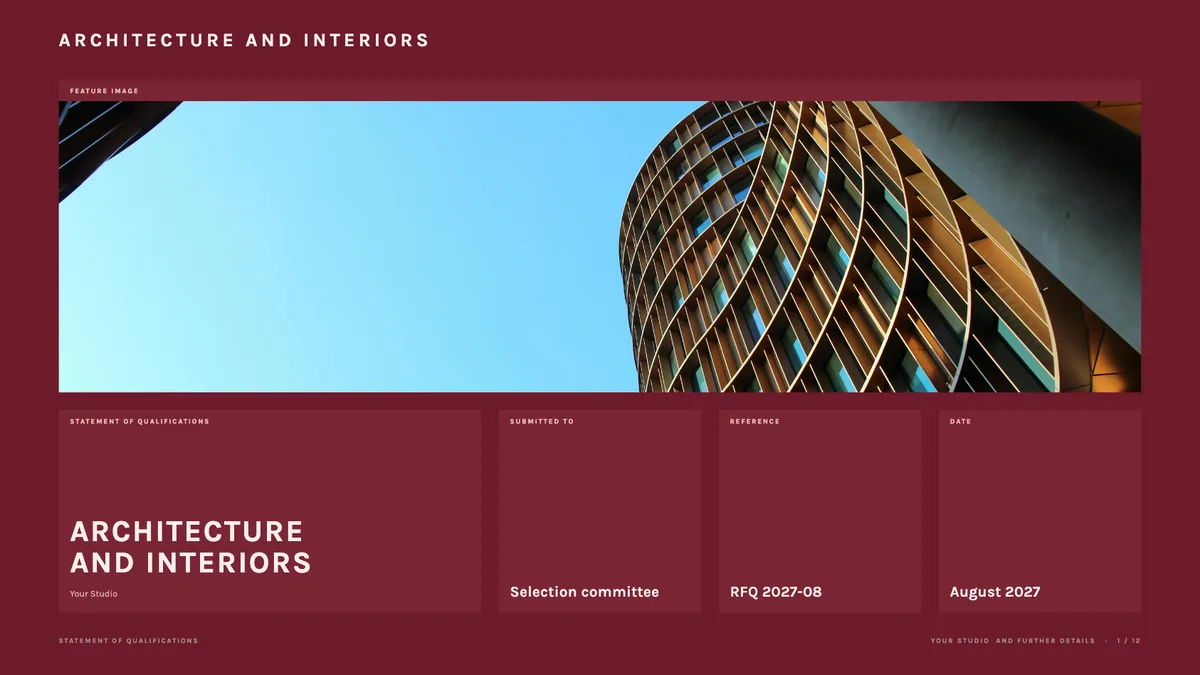
ProposalsFree
Statement of Qualifications (Board Grid)
Firm profile, relevant projects, and key people for an RFQ. Laid out like a presentation board, in labelled panels.
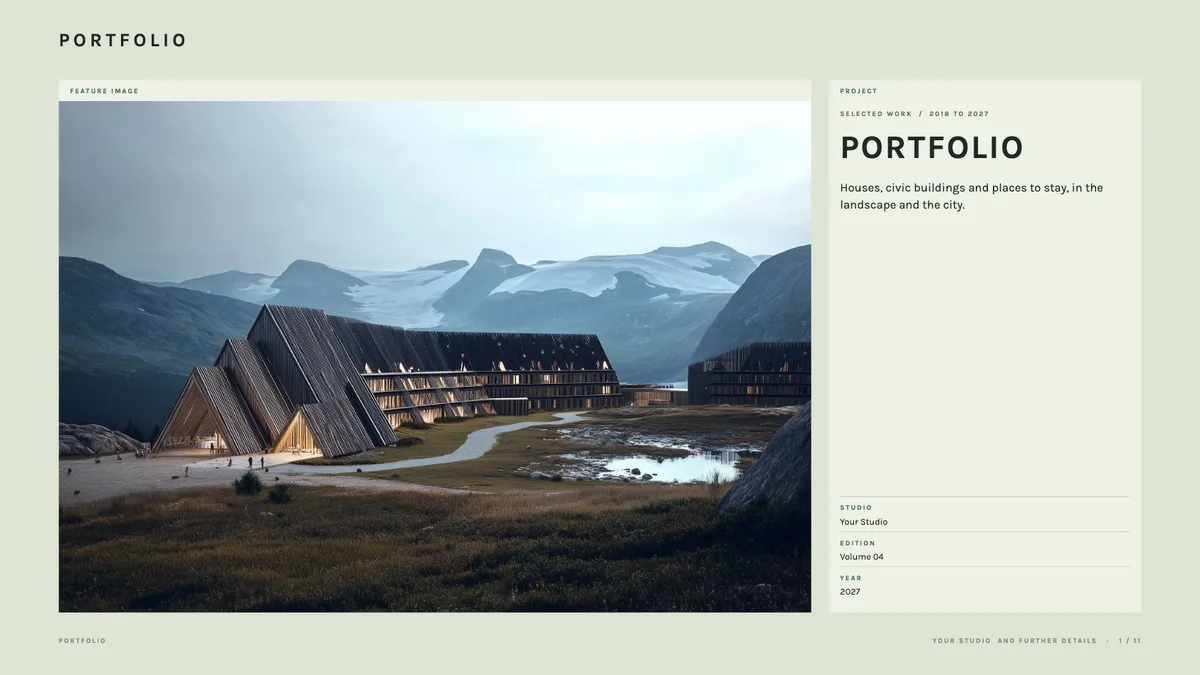
Case studiesFree
Portfolio (Board Grid)
Your best work in one link you can send to anyone. Laid out like a presentation board, in labelled panels.
PresentationsFree
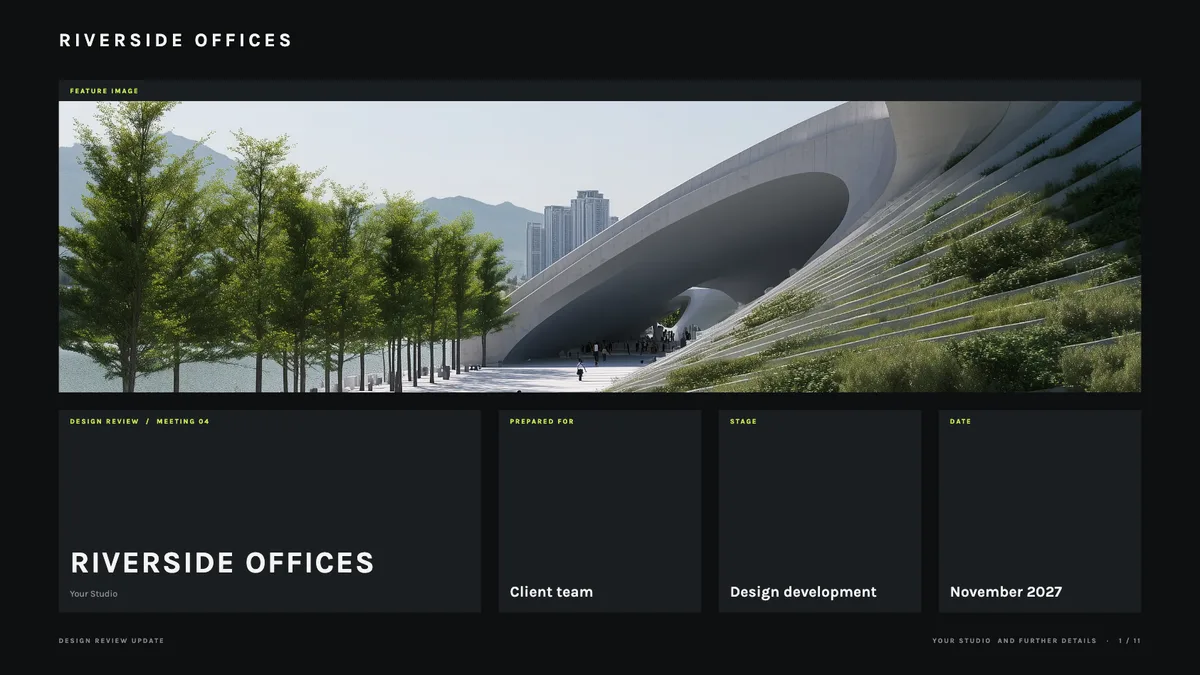
Design Review Update (Board Grid)
Show progress at each phase, with room for the client to comment. Laid out like a presentation board, in labelled panels.
ProposalsFree
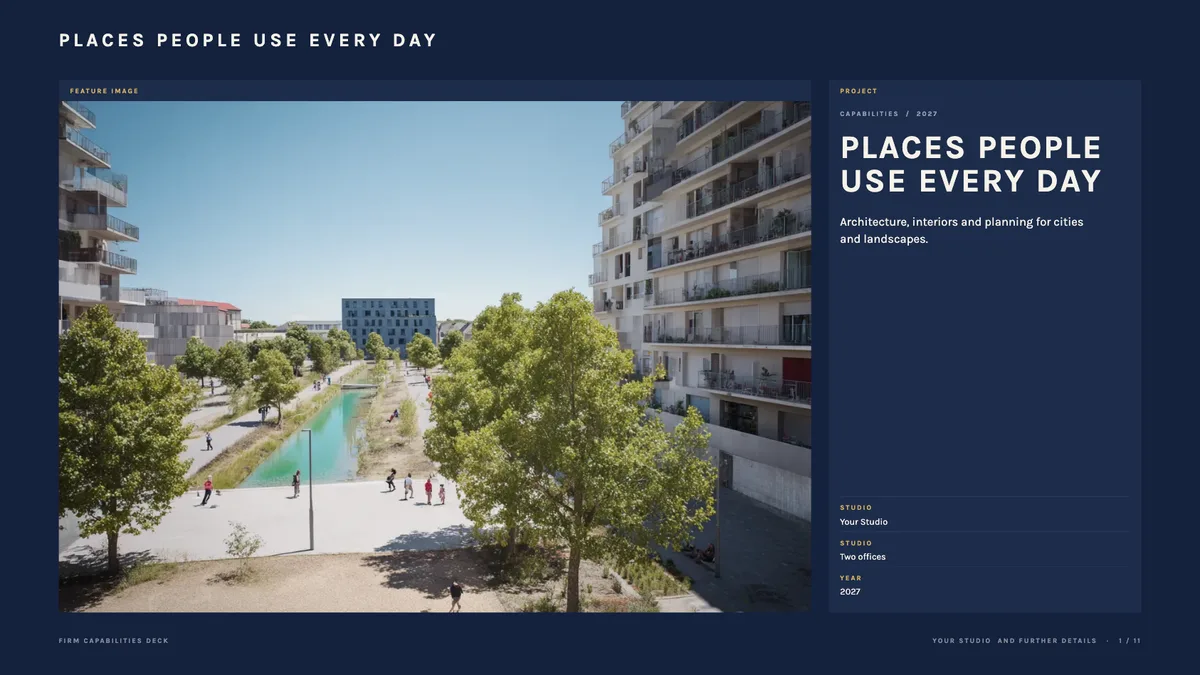
Firm Capabilities Deck (Board Grid)
Who you are and what you do, for a first meeting with a new client. Laid out like a presentation board, in labelled panels.
PresentationsFree
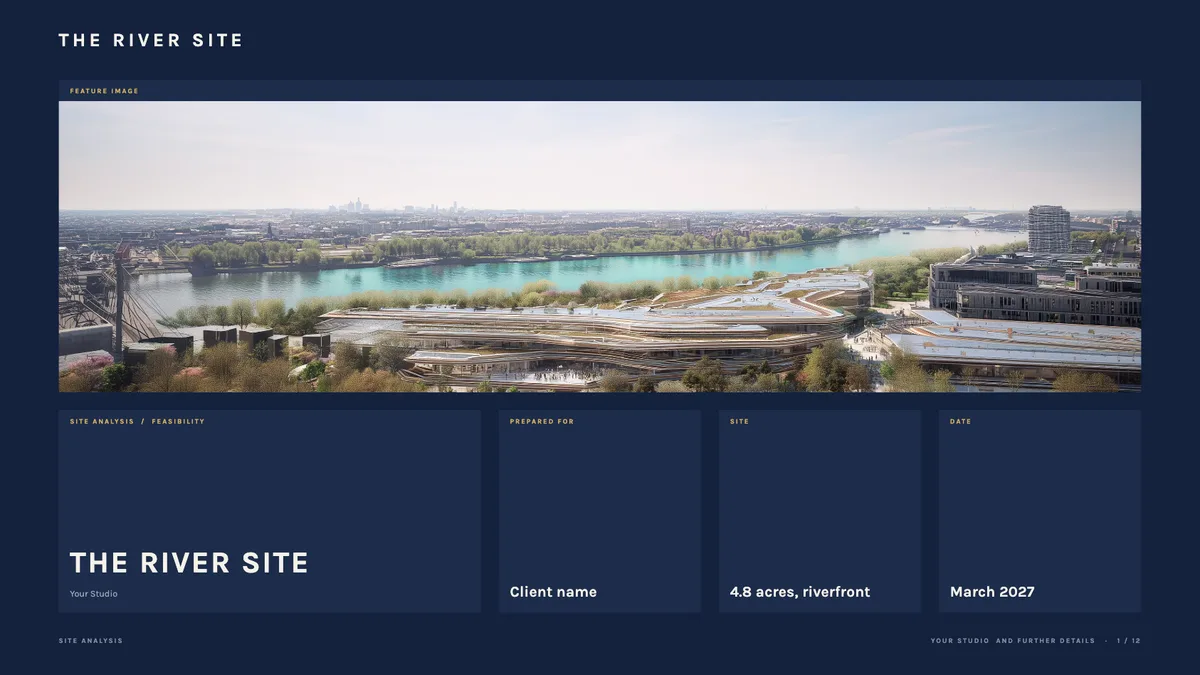
Site Analysis (Board Grid)
Context, constraints, and opportunities on one site, before design starts. Laid out like a presentation board, in labelled panels.
Case studiesFree
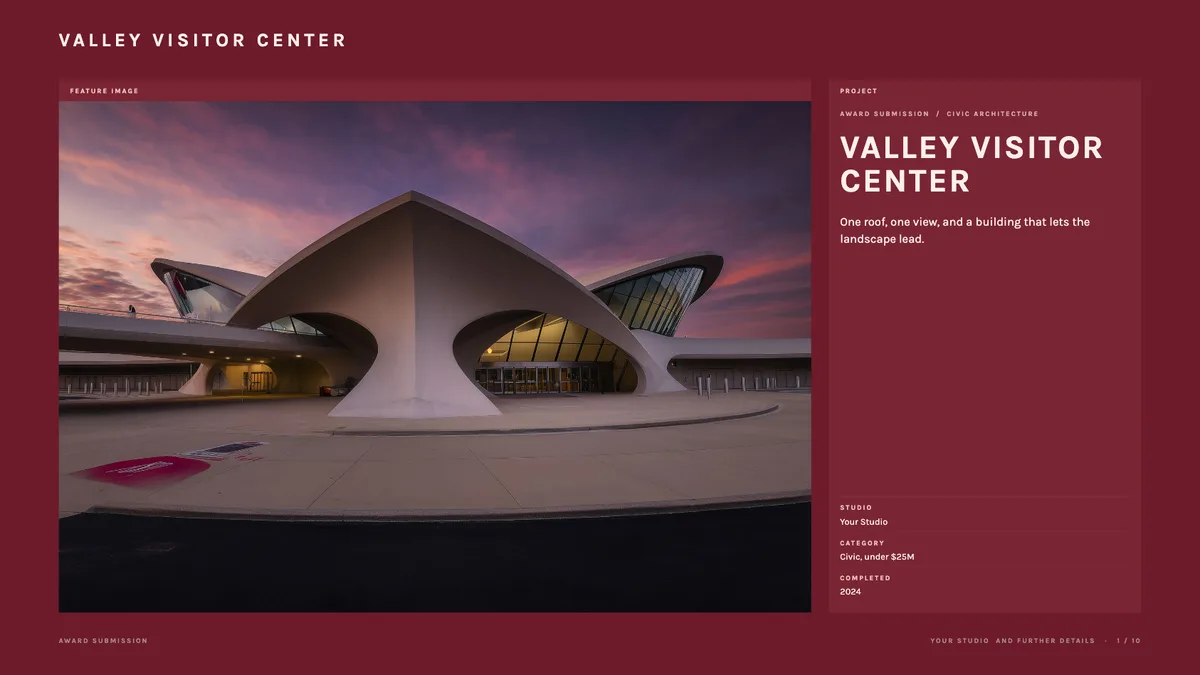
Award Submission (Board Grid)
Package one finished project for an awards jury. Laid out like a presentation board, in labelled panels.
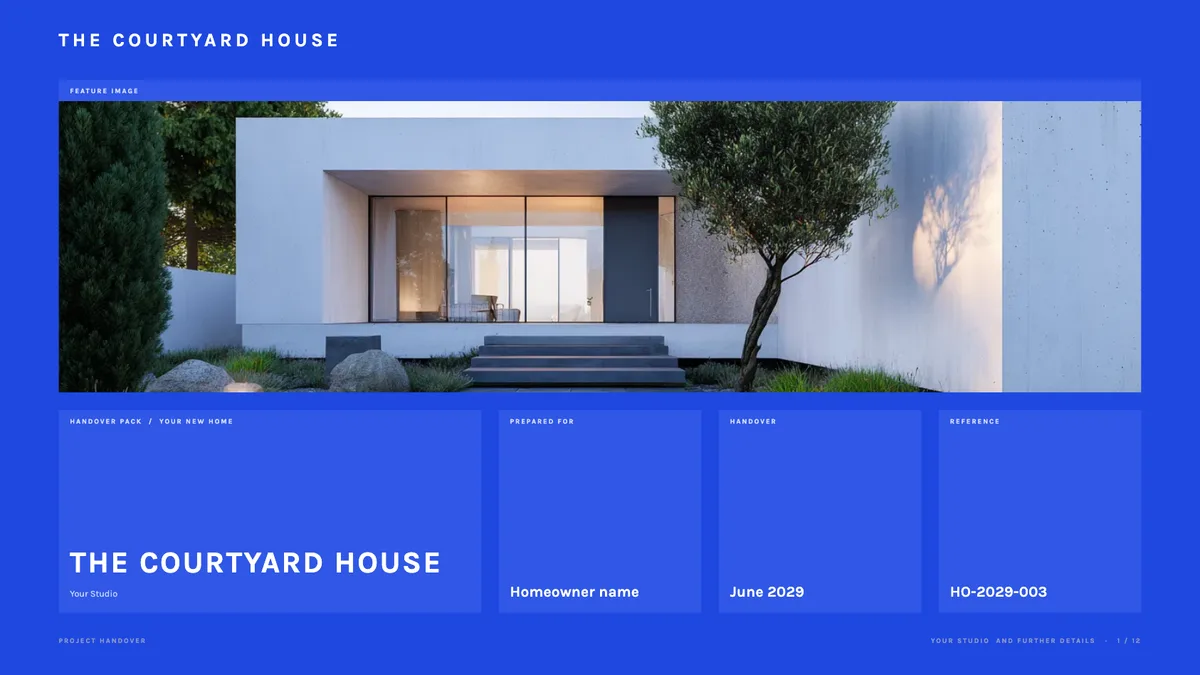
Client guidesFree
Project Handover (Board Grid)
The drawings, contacts, and care notes a client keeps after the build. Laid out like a presentation board, in labelled panels.
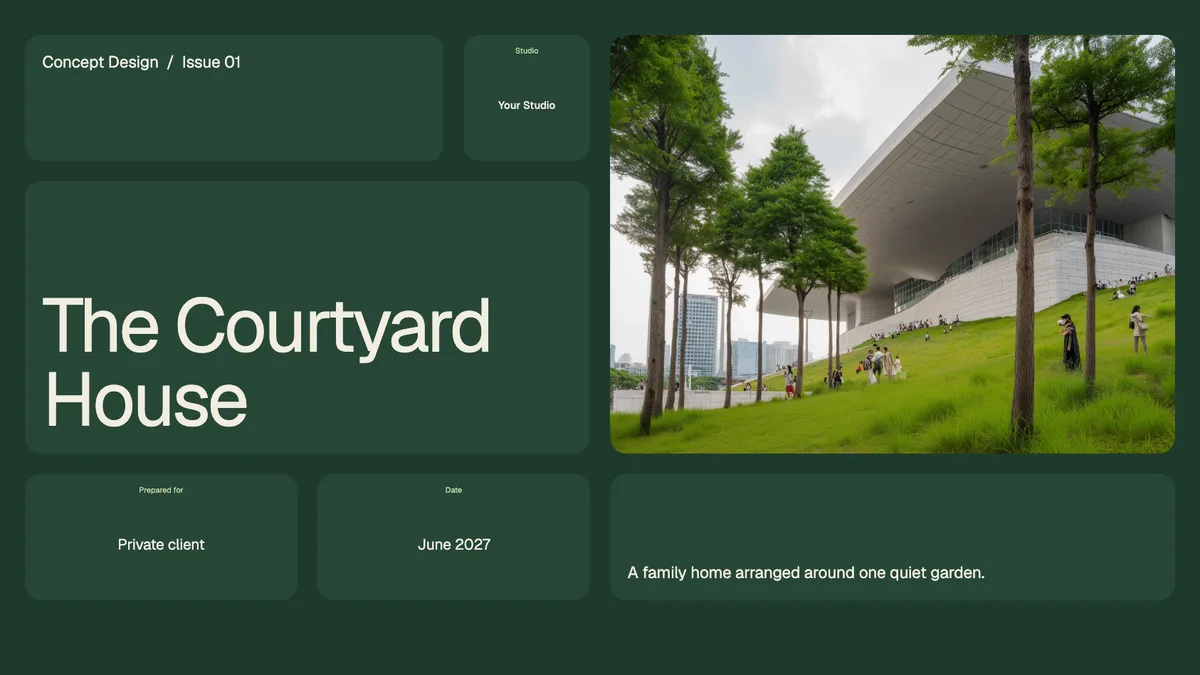
PresentationsFree
Concept Design Presentation (Bento Grid)
Walk a client through the site, the big idea, and the first massing. Every part sits in its own rounded tile.
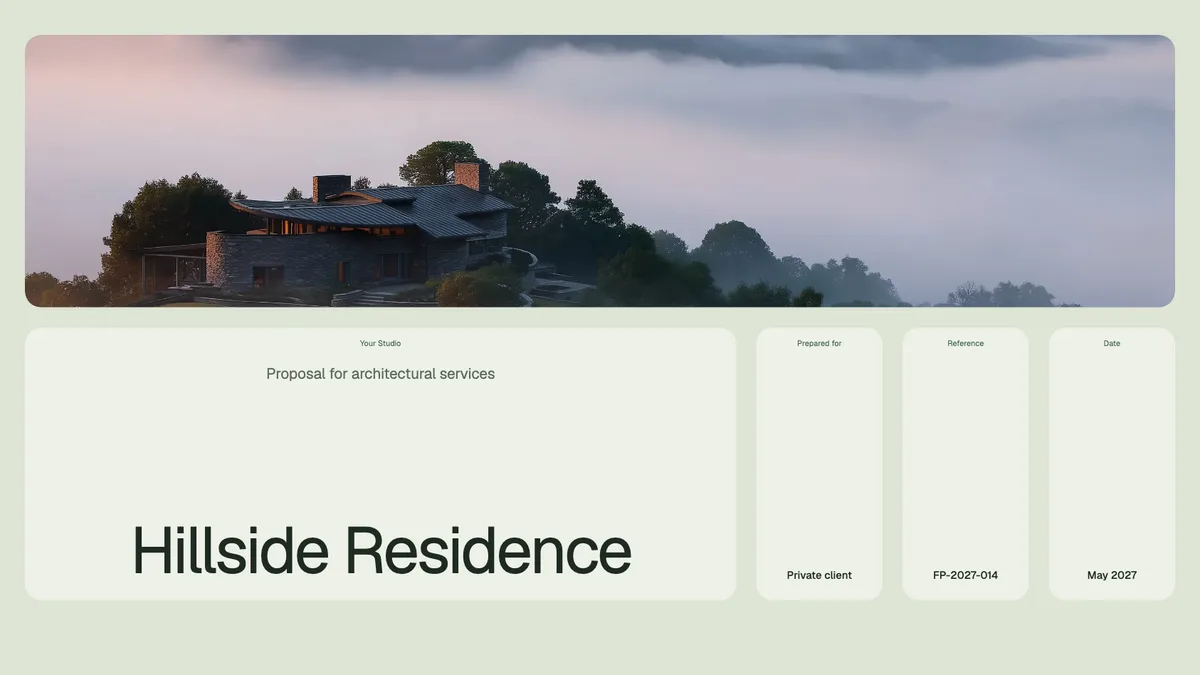
ProposalsFree
Fee Proposal (Bento Grid)
Scope, phases, and fees laid out clearly, with your work beside them. Every part sits in its own rounded tile.
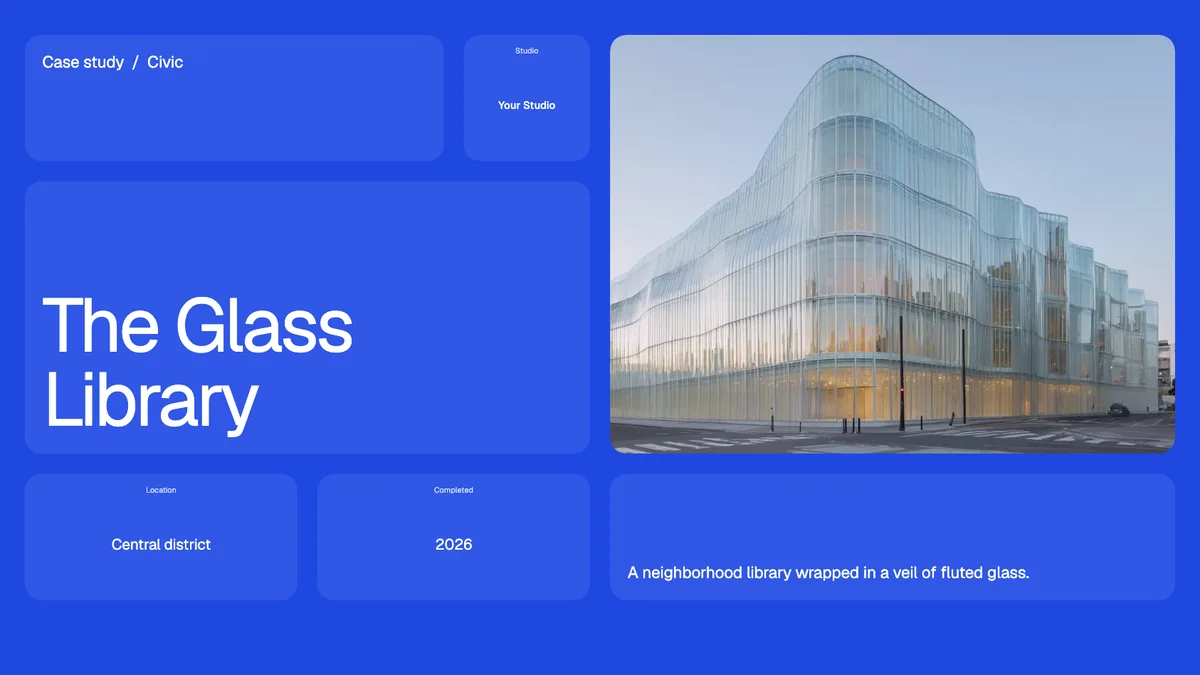
Case studiesFree
Project Case Study (Bento Grid)
One project told as a story: the brief, the process, and the result. Every part sits in its own rounded tile.
Client guidesFree
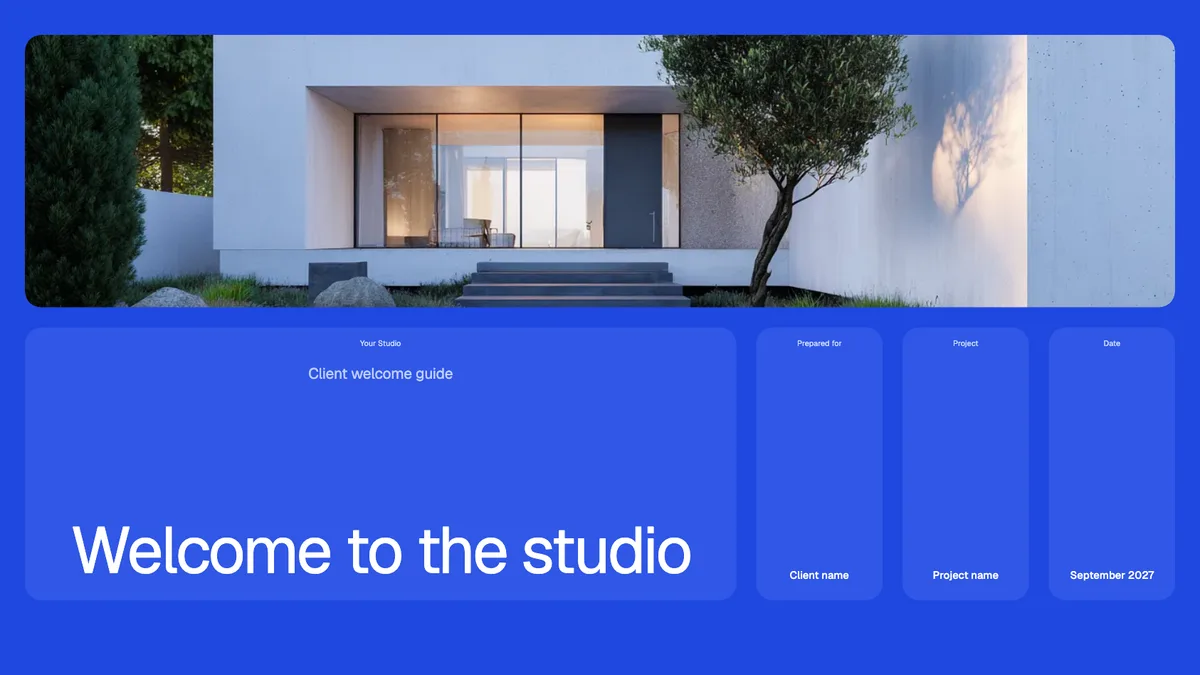
Client Welcome Guide (Bento Grid)
What working with you looks like, from the first meeting to move-in. Every part sits in its own rounded tile.
PresentationsFree
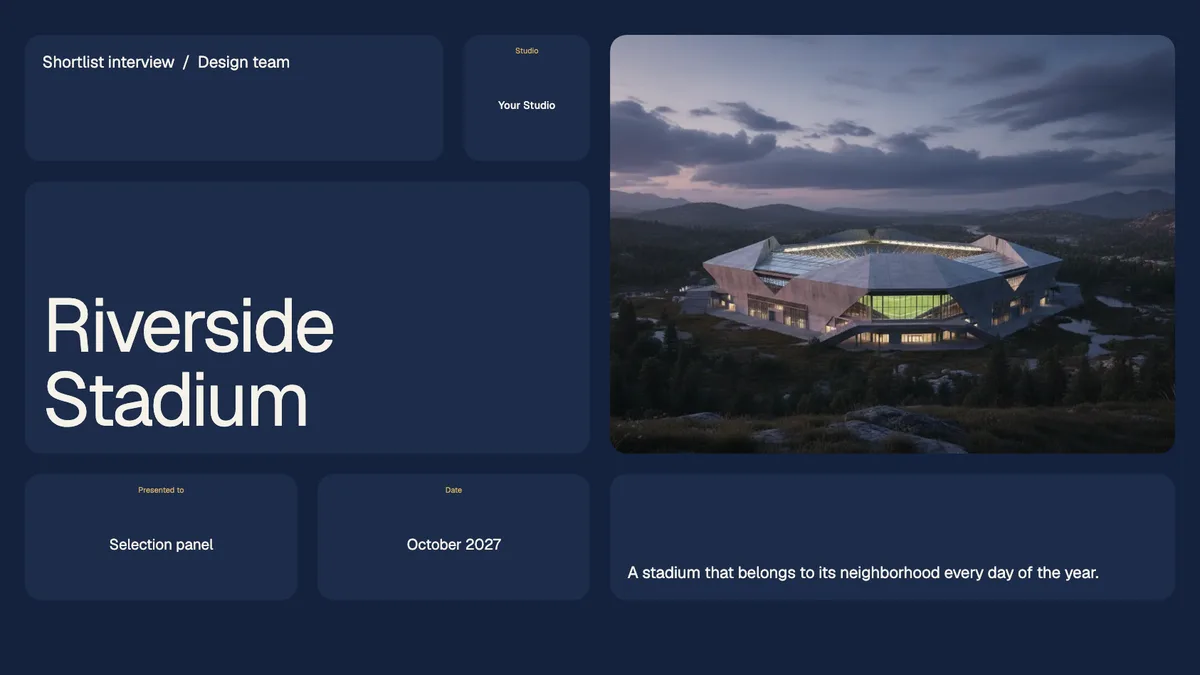
Shortlist Interview Deck (Bento Grid)
A tight story for the interview room: your team, your approach, and why you. Every part sits in its own rounded tile.
ProposalsFree
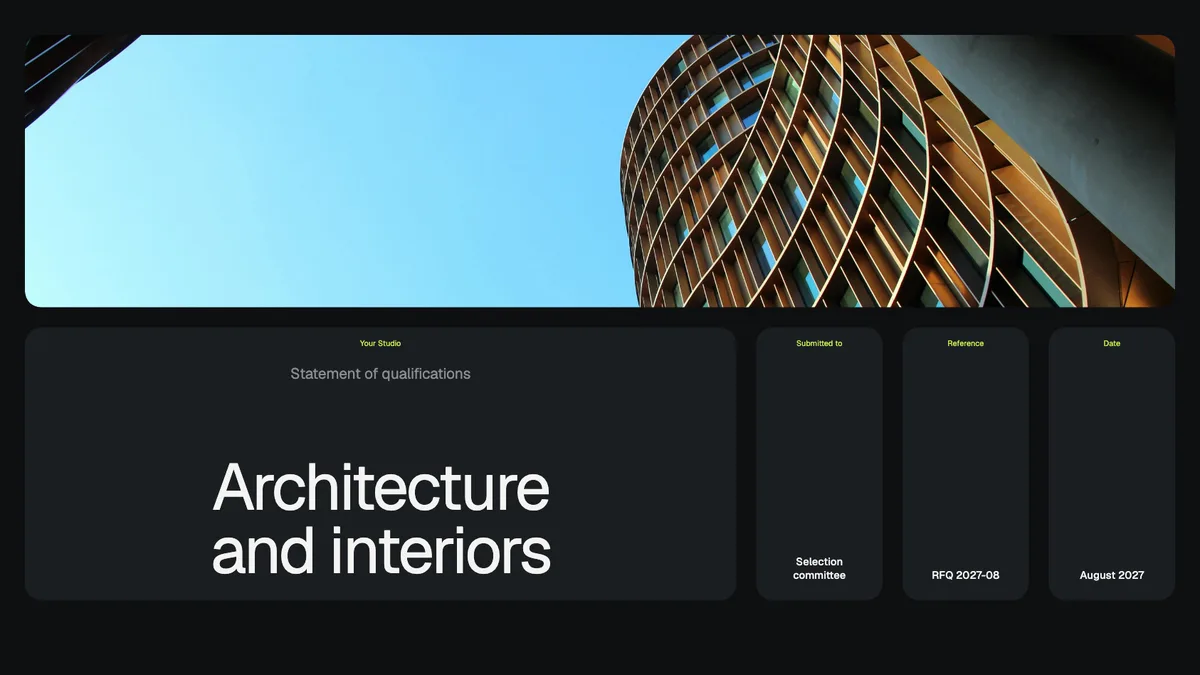
Statement of Qualifications (Bento Grid)
Firm profile, relevant projects, and key people for an RFQ. Every part sits in its own rounded tile.
Case studiesFree
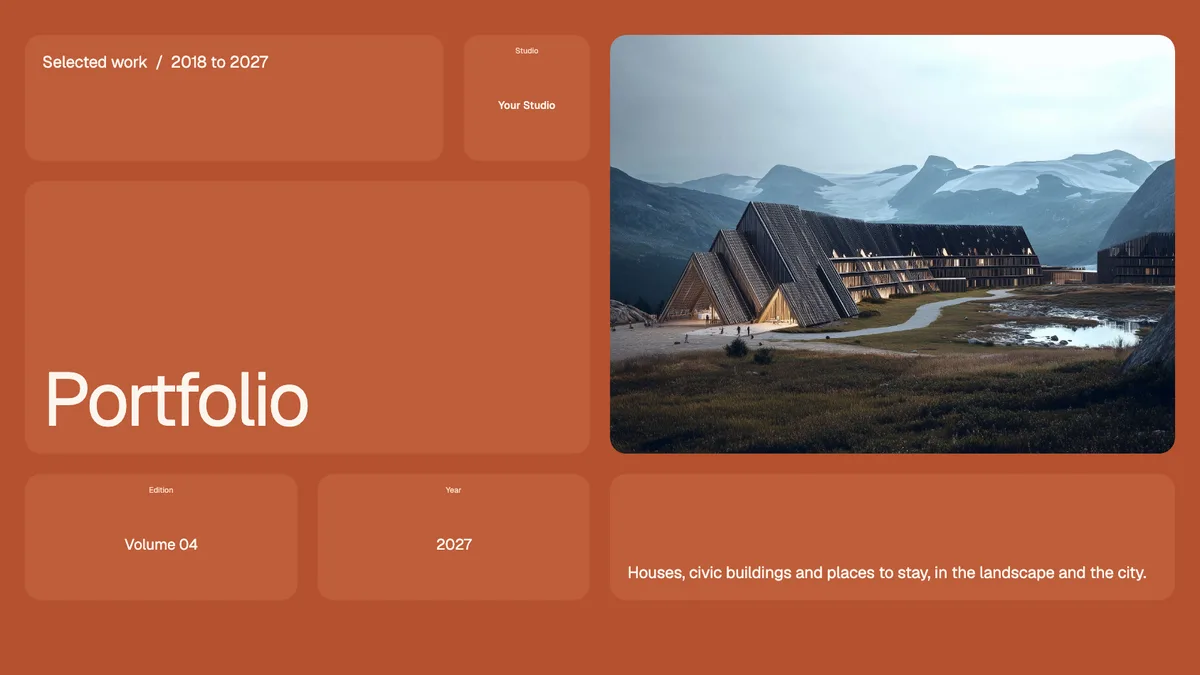
Portfolio (Bento Grid)
Your best work in one link you can send to anyone. Every part sits in its own rounded tile.
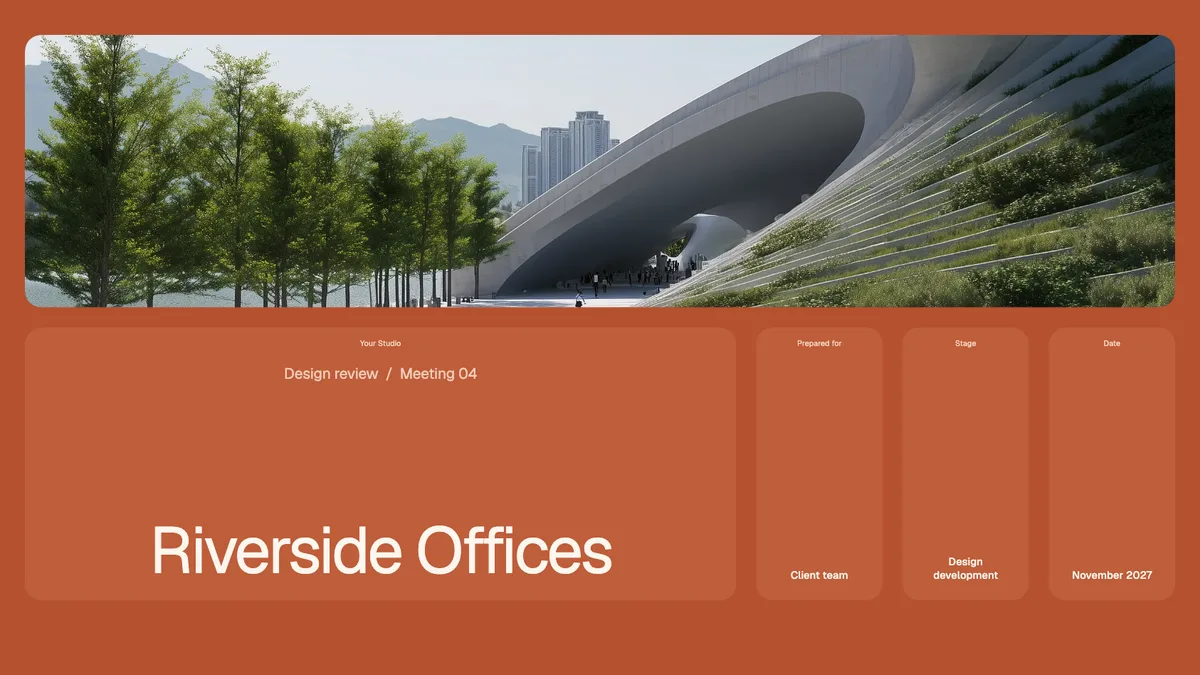
PresentationsFree
Design Review Update (Bento Grid)
Show progress at each phase, with room for the client to comment. Every part sits in its own rounded tile.
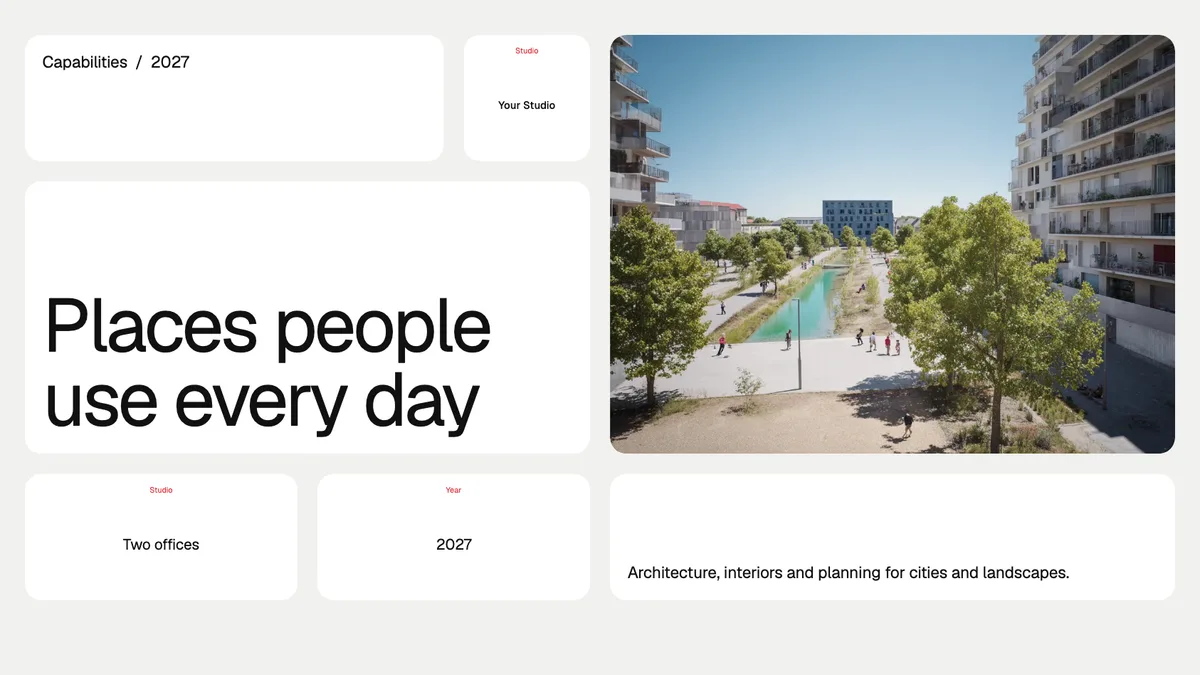
ProposalsFree
Firm Capabilities Deck (Bento Grid)
Who you are and what you do, for a first meeting with a new client. Every part sits in its own rounded tile.
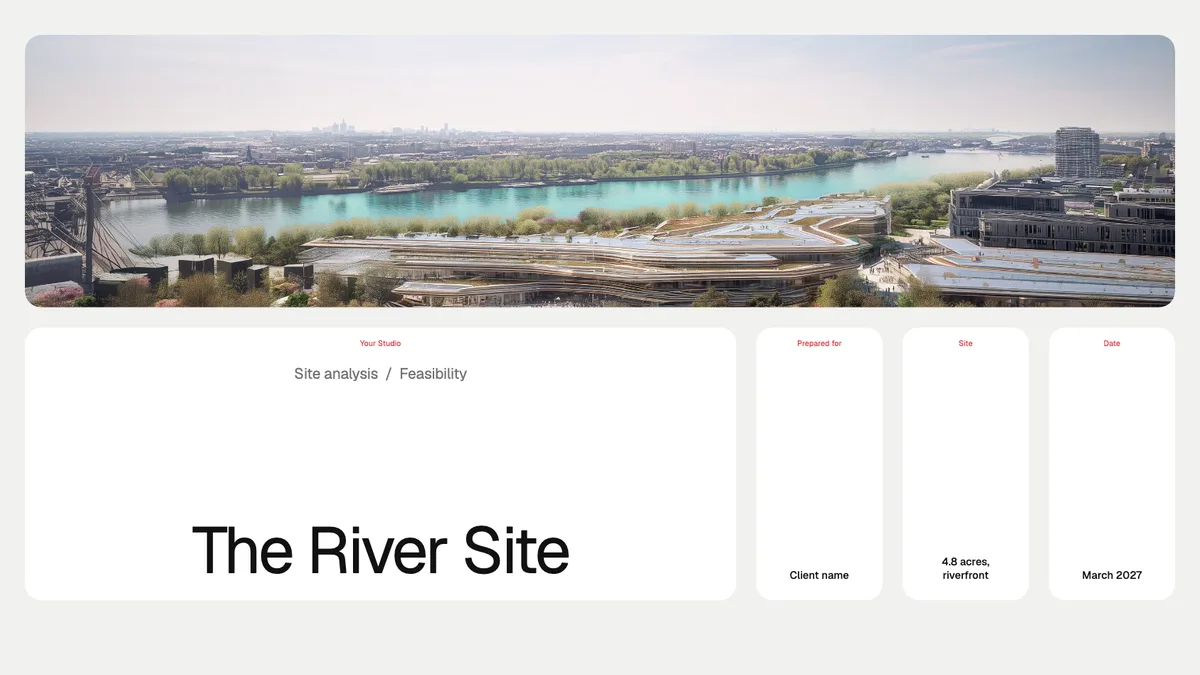
PresentationsFree
Site Analysis (Bento Grid)
Context, constraints, and opportunities on one site, before design starts. Every part sits in its own rounded tile.
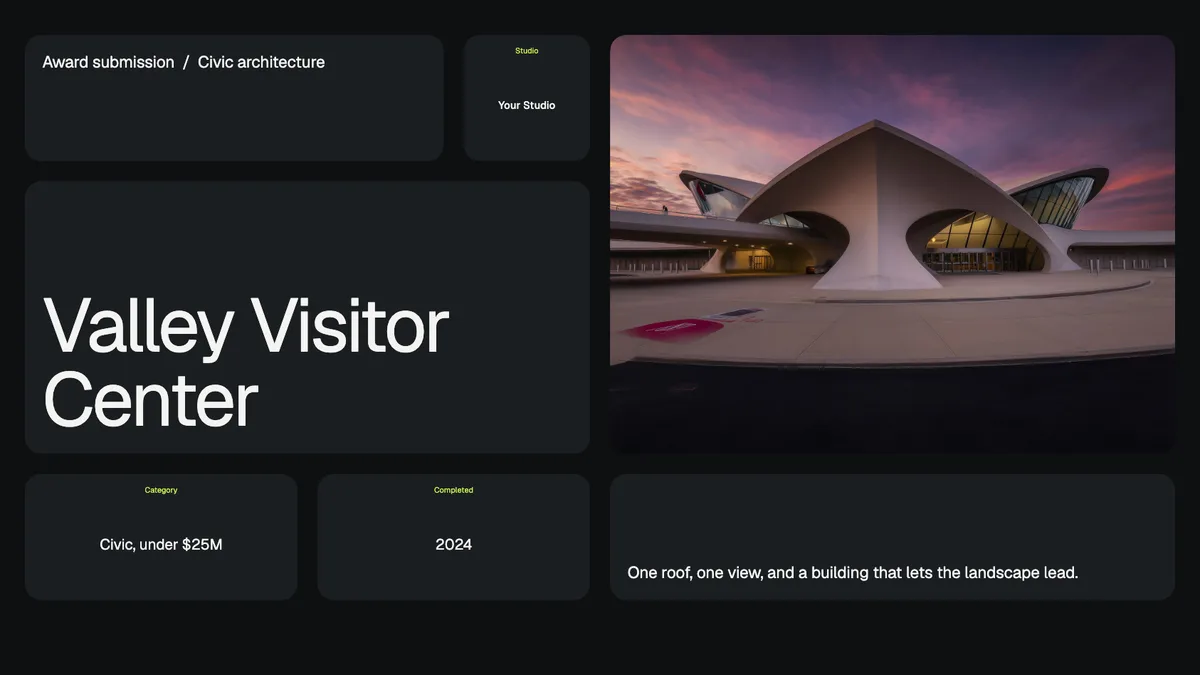
Case studiesFree
Award Submission (Bento Grid)
Package one finished project for an awards jury. Every part sits in its own rounded tile.
Client guidesFree
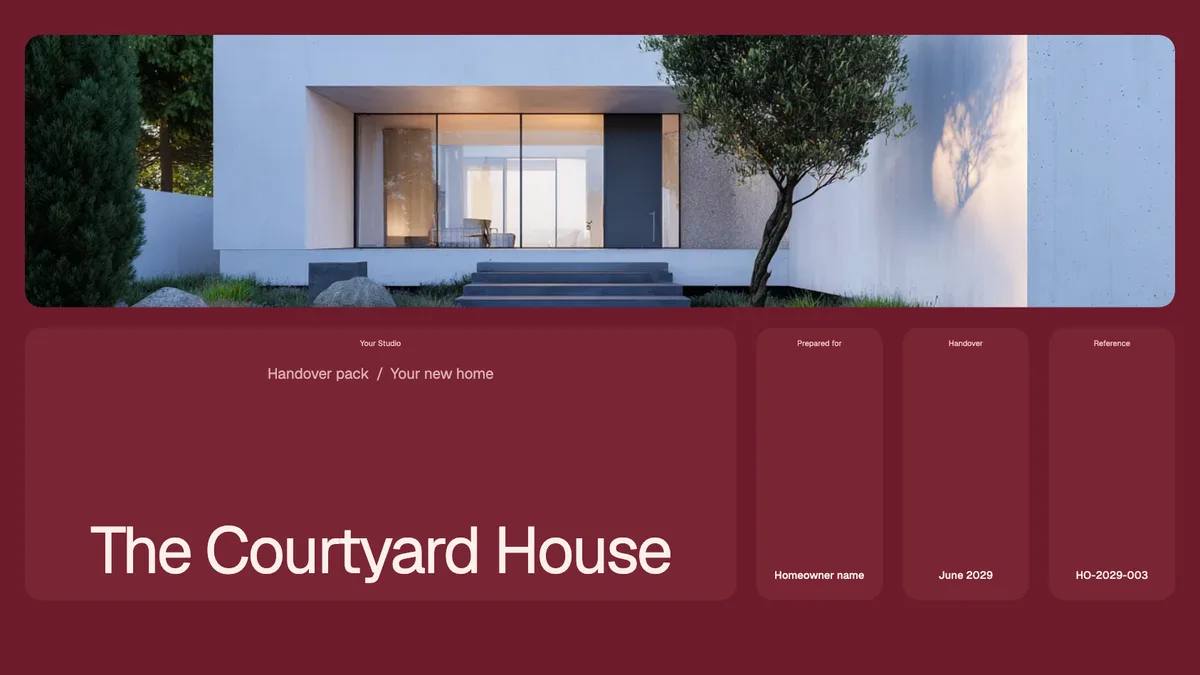
Project Handover (Bento Grid)
The drawings, contacts, and care notes a client keeps after the build. Every part sits in its own rounded tile.
How they work
Open it, then make your own.
01
Pick one
Choose a template for the moment you're in: a first meeting, a fee proposal, a design review.
02
Open it
It opens as a live presentation in your browser. No download, and no account needed to look.
03
Make it yours
Use this template in Foveate and an editable copy lands in your workspace. Swap in your projects and your brand. The account is free.
Built in Foveate
Send a link, not a PDF.
Every template here was made in Foveate. Build your own the same way, and send it to clients as a link.
Start for free- Clients open a link, not an attachment.
- They comment on the slides themselves.
- You see who opened it and what held their attention.
Questions
- Are the templates free?
- Yes. Every template on this page is free to open in your browser. Use this template copies it into your own Foveate workspace, and you create a free account first if you don't have one.
- Do I need a Foveate account?
- Not to open a template. Each one is a live Foveate presentation that opens in your browser. To build your own version, start a free Foveate account.
- Can I edit a template?
- Yes. Choose Use this template and an editable copy opens in your own workspace. If you're new to Foveate, you'll create a free account first.
- Why a Foveate link and not a PDF?
- A link opens anywhere without a download. Your client can comment on the work itself, and you can see who opened it and which slides they spent time on.
- Do I need to give my email?
- No. You can open any template without one. You only create an account when you choose Use this template and want your own editable copy.
Start with any template.
Open one above, or start a free Foveate account and make your own.
Start for free